Available
Client Requests
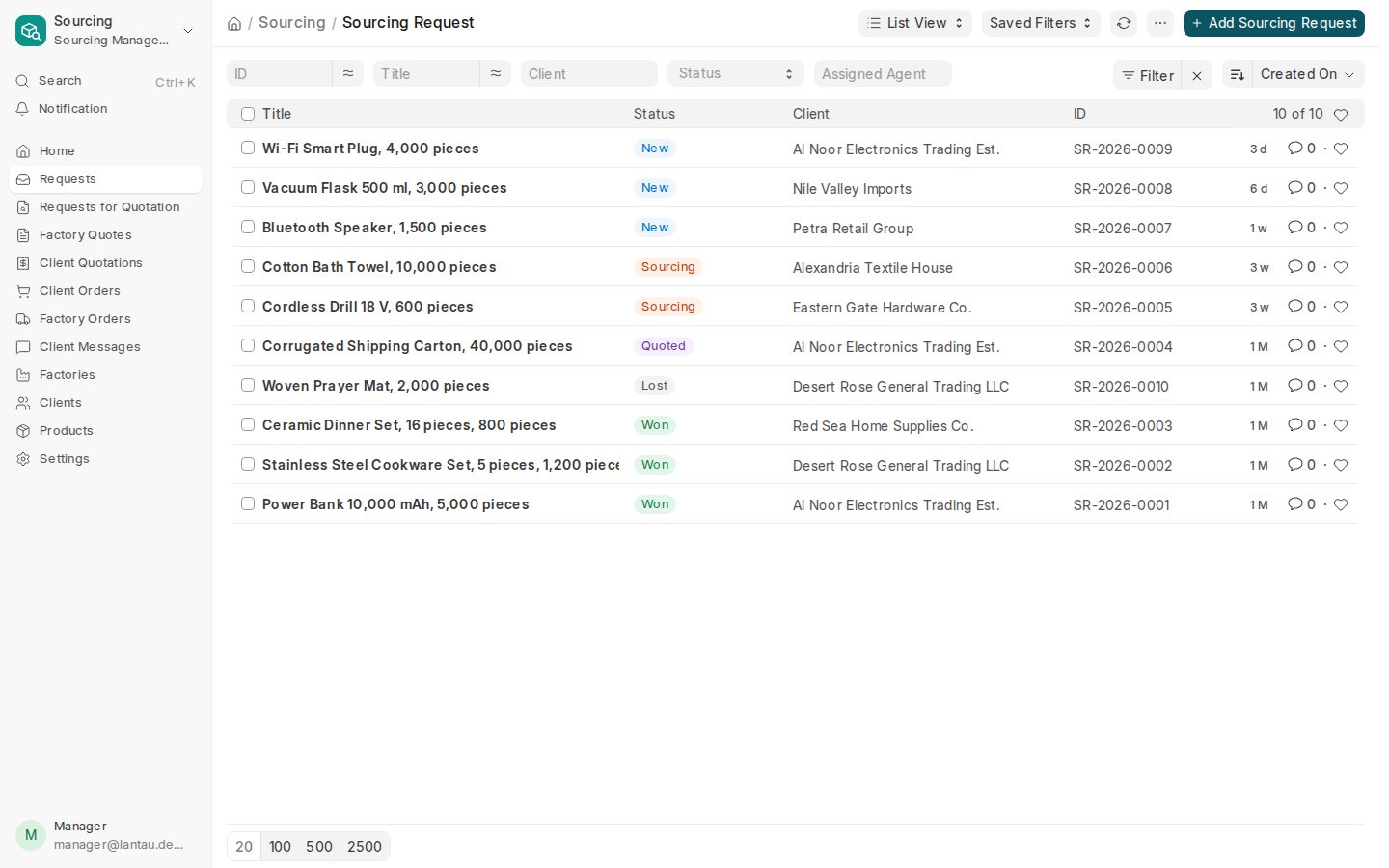
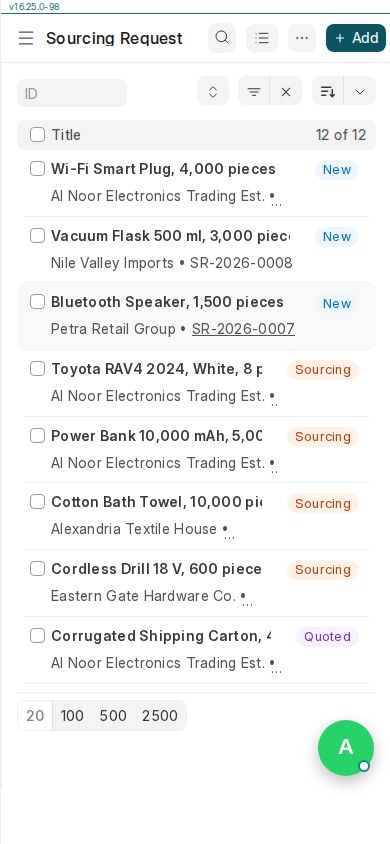
Clients send requests with items, requirements and attachments; your team works every request from one list.

PHOENIX Native takes a client request through RFQ, factory quotations, landed cost, pricing, approval, production, QC, shipping, the client portal and the invoice, in one workspace.
For a PHOENIX Native walkthrough, talk to us. The self-service trial creates a ClearDesk-generation site today. Talk to us about Native
One thread, from request to invoice
Everything on this list is available in PHOENIX Native now.
Available
Clients send requests with items, requirements and attachments; your team works every request from one list.
Available
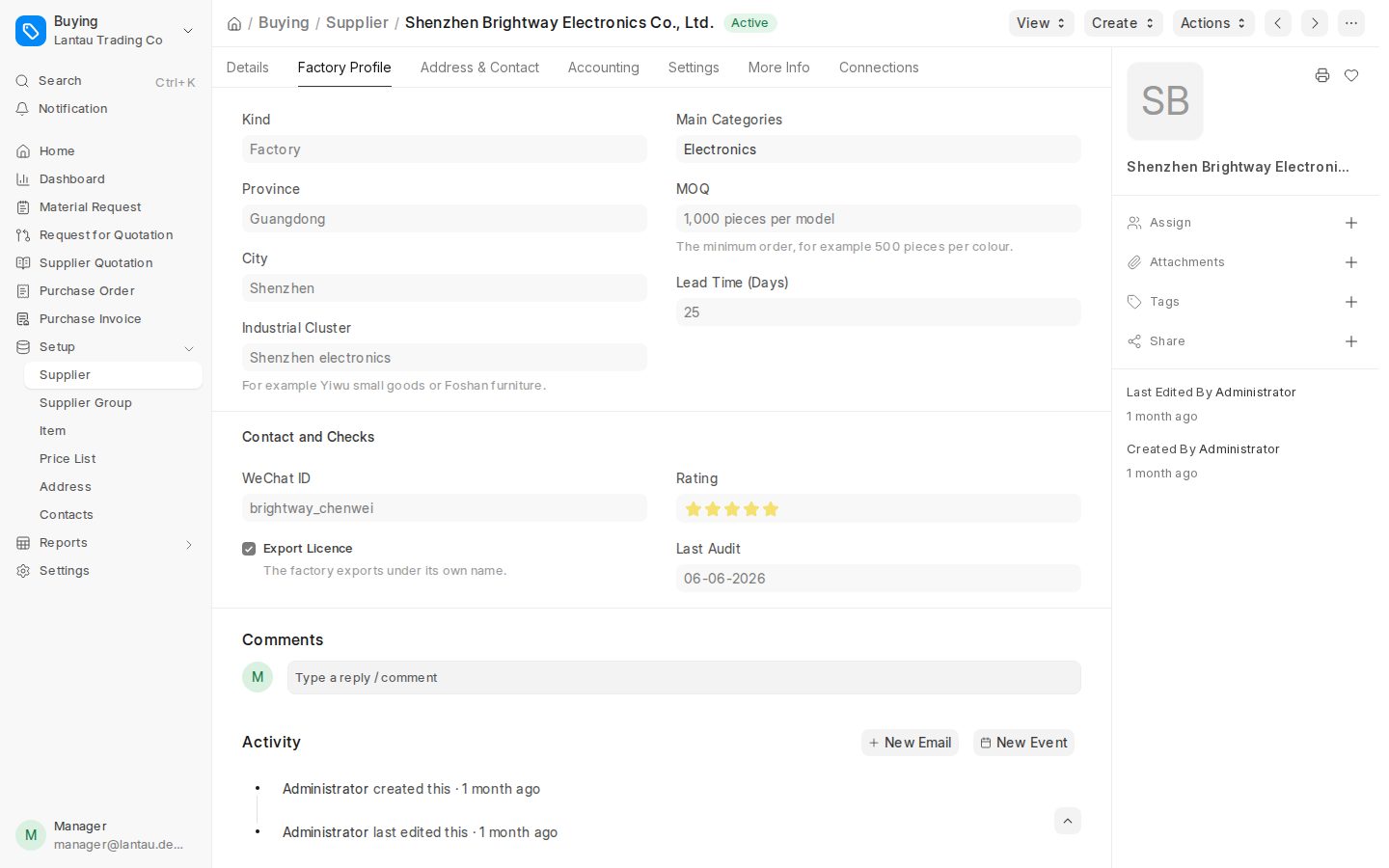
Send RFQs linked to the request items, collect supplier quotations and compare them side by side.
Available
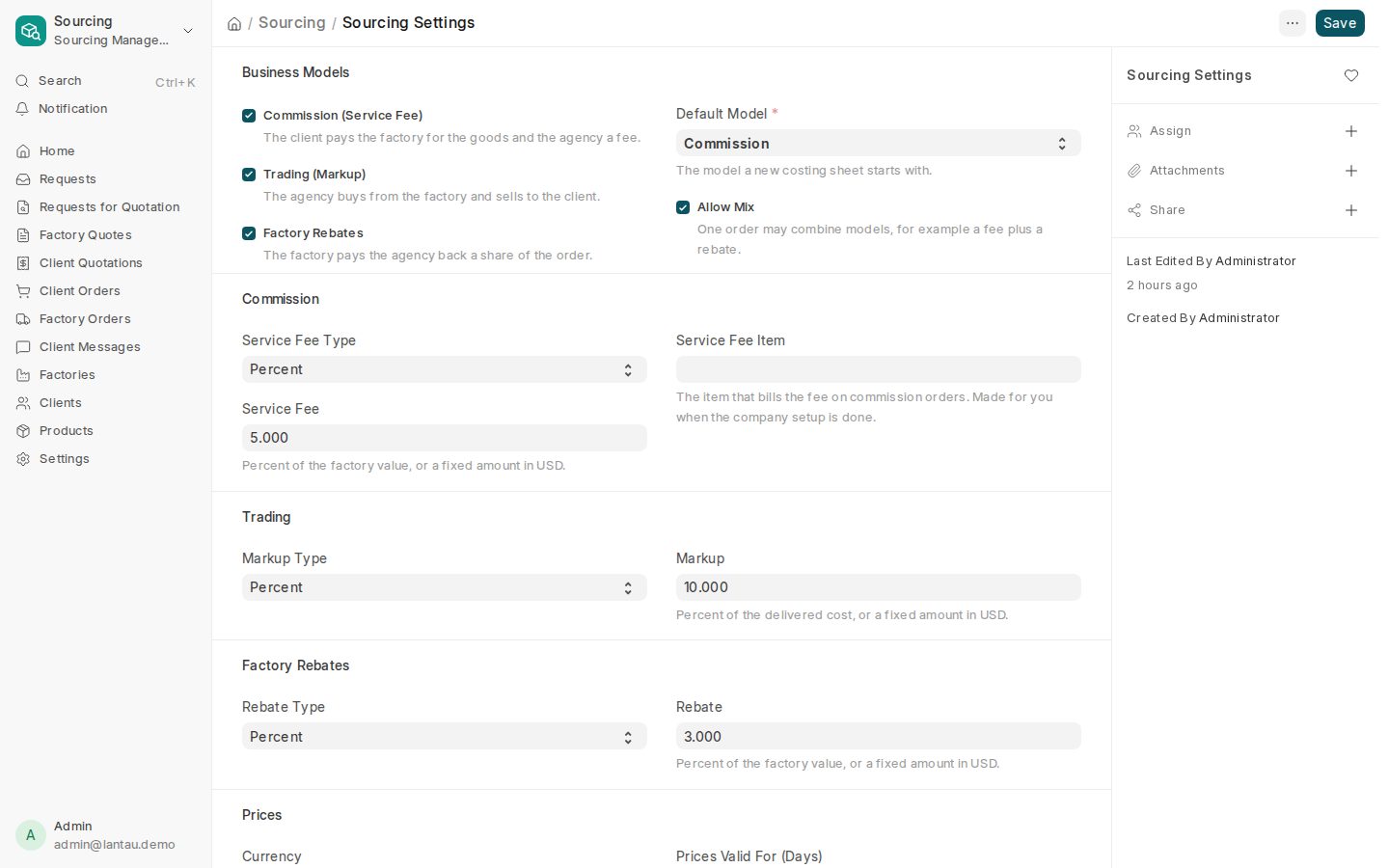
Work out landed cost, then price with Commission, Markup, Factory Rebate or a Mix and take it through approval.
Available
The client decides on a Sales Quotation, and an accepted quotation becomes a Sales Order.
Available
Follow production checkpoints and QC. A QC failure goes through re-QC before the goods ship.
Available
Clients follow their own requests and orders. Factory and supplier commercial details stay hidden.
Available
Invoices post balanced accounting journals, and posted entries cannot be changed.
Available
Comments, attachments and history on each record, with in-app notifications.
Available
The in-app assistant explains and guides. It does not change records, and it refuses requests to do so.
Available
Released sales quotations and invoices can be downloaded as Excel. Clients accept quotations with Accept & sign.
Available
Purchasing and Projects are available modules under More. They are optional and are not the primary sourcing navigation.
One thread runs through every step, so nothing lives in a side chat.
1
Items, requirements and attachments are recorded on the request. Comments and history stay with it.
2
Create RFQs linked to the request items and send them to your suppliers.
3
Record each supplier quotation and compare them before you choose.
4
Add the costs that bring the goods to the destination and see the landed cost.
5
Apply Commission, Markup, Factory Rebate or a Mix, then take the pricing through approval.
6
The client sees a Sales Quotation without factory commercial detail. Their decision turns it into a Sales Order.
7
Follow production checkpoints and QC. If QC fails, the item goes through QC again.
8
Record shipping, and let the client follow progress on the portal.
9
Issue the invoice. It posts balanced journals, and posted entries cannot be edited.
Commission, Markup, Factory Rebate, or a Mix. You work the way your clients pay.
Clients follow their requests and orders. Factory and supplier commercial details are not shown to them.
Owner, staff and client. Manager review is a way of working a request, not a separate login role.
Today, Requests, Deals, Suppliers and More. The same names run through the app and the guides.
Each company works in its own workspace. Records are not shared across companies.
English, Chinese, Arabic, French, Russian and Spanish, with a right-to-left layout for Arabic.
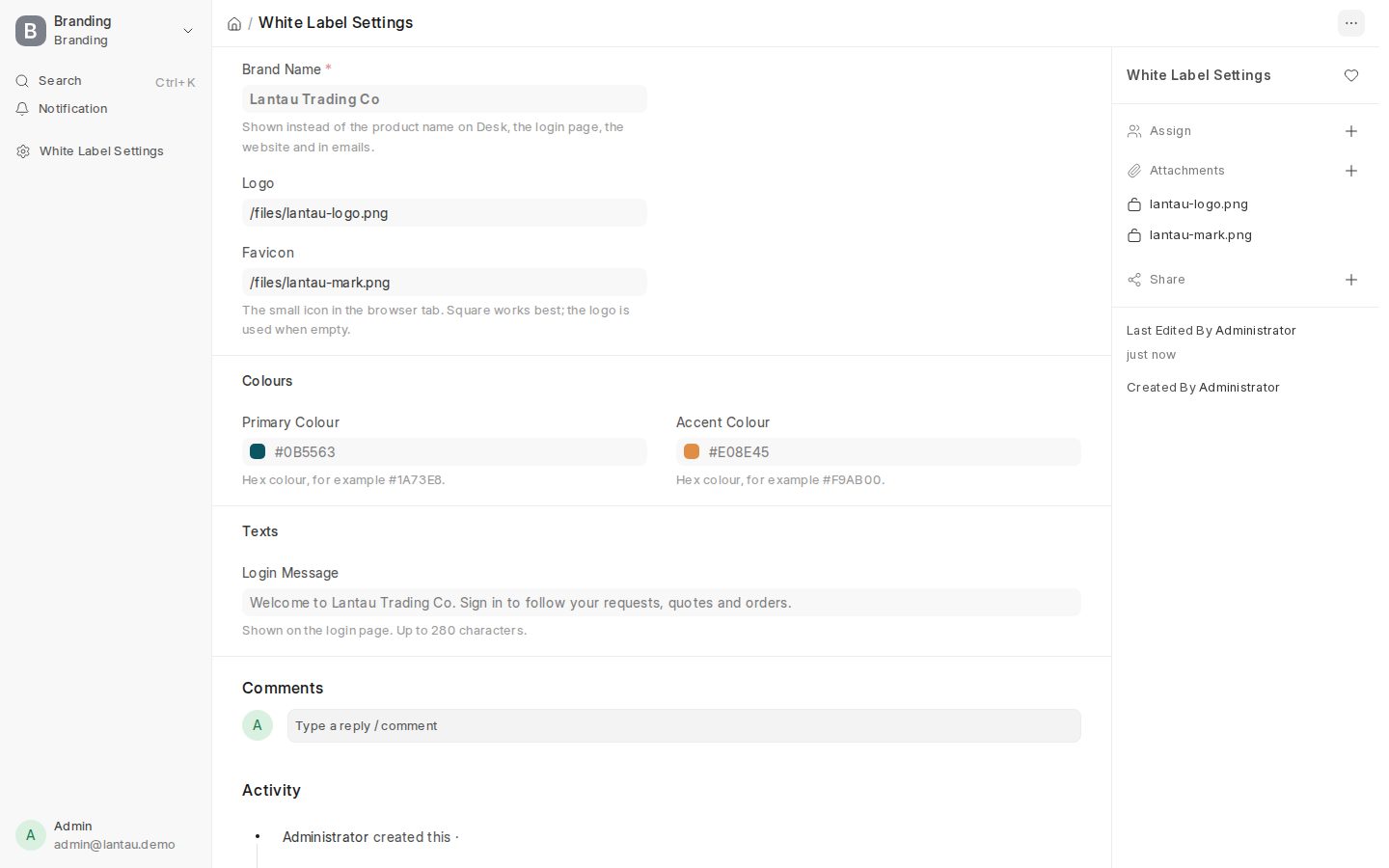
Real screens from the current PHOENIX Native interface (synthetic demo data).
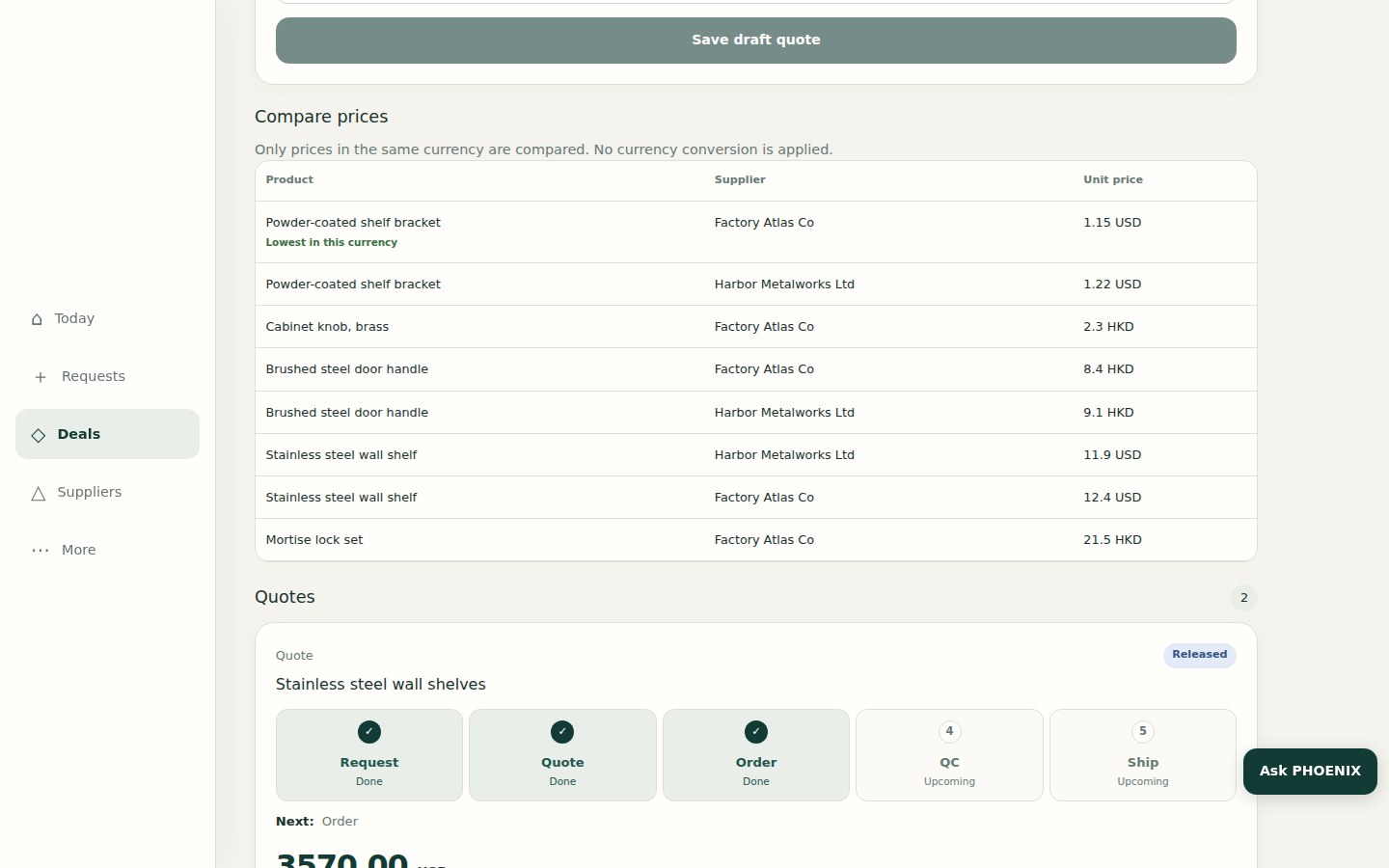
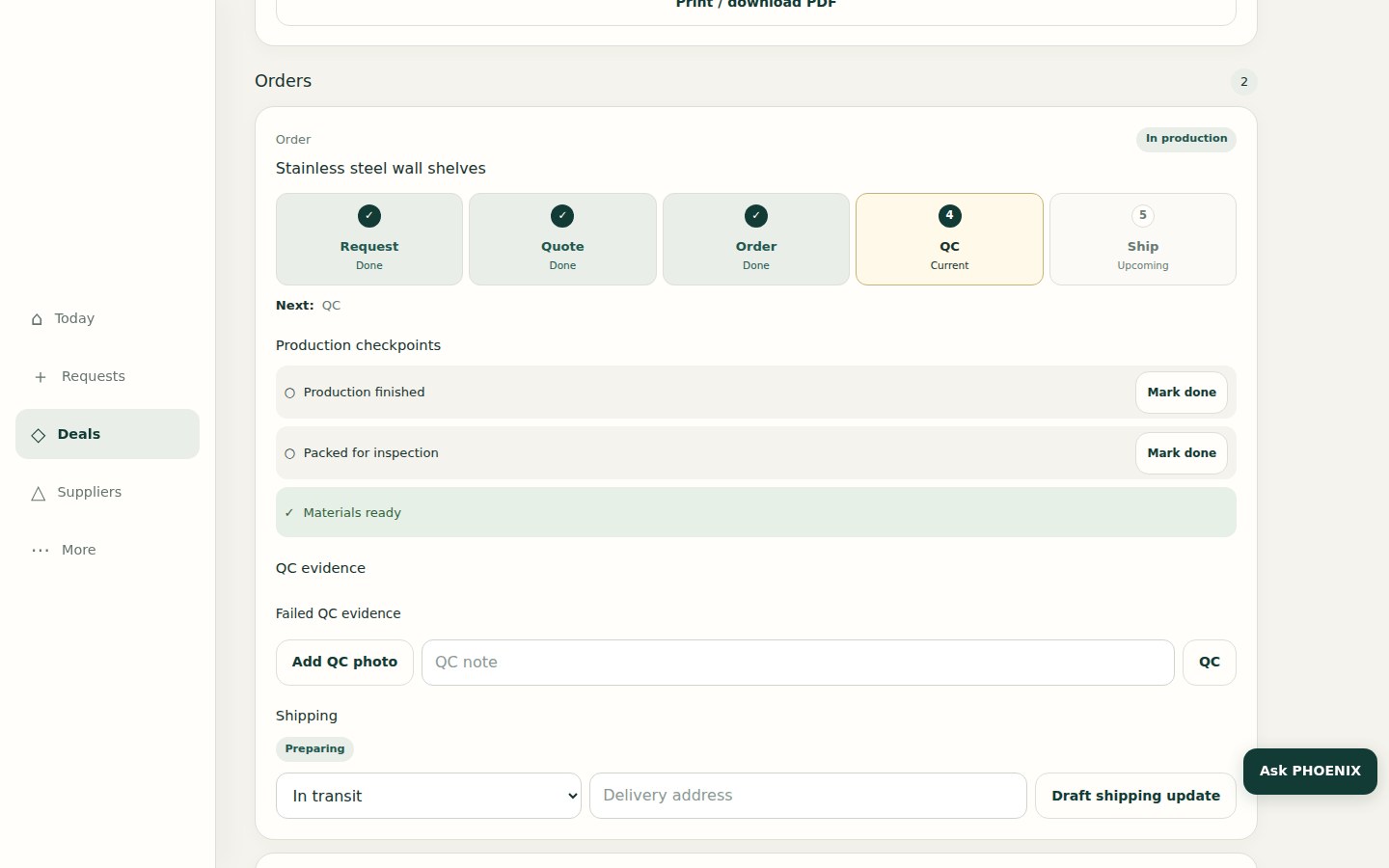
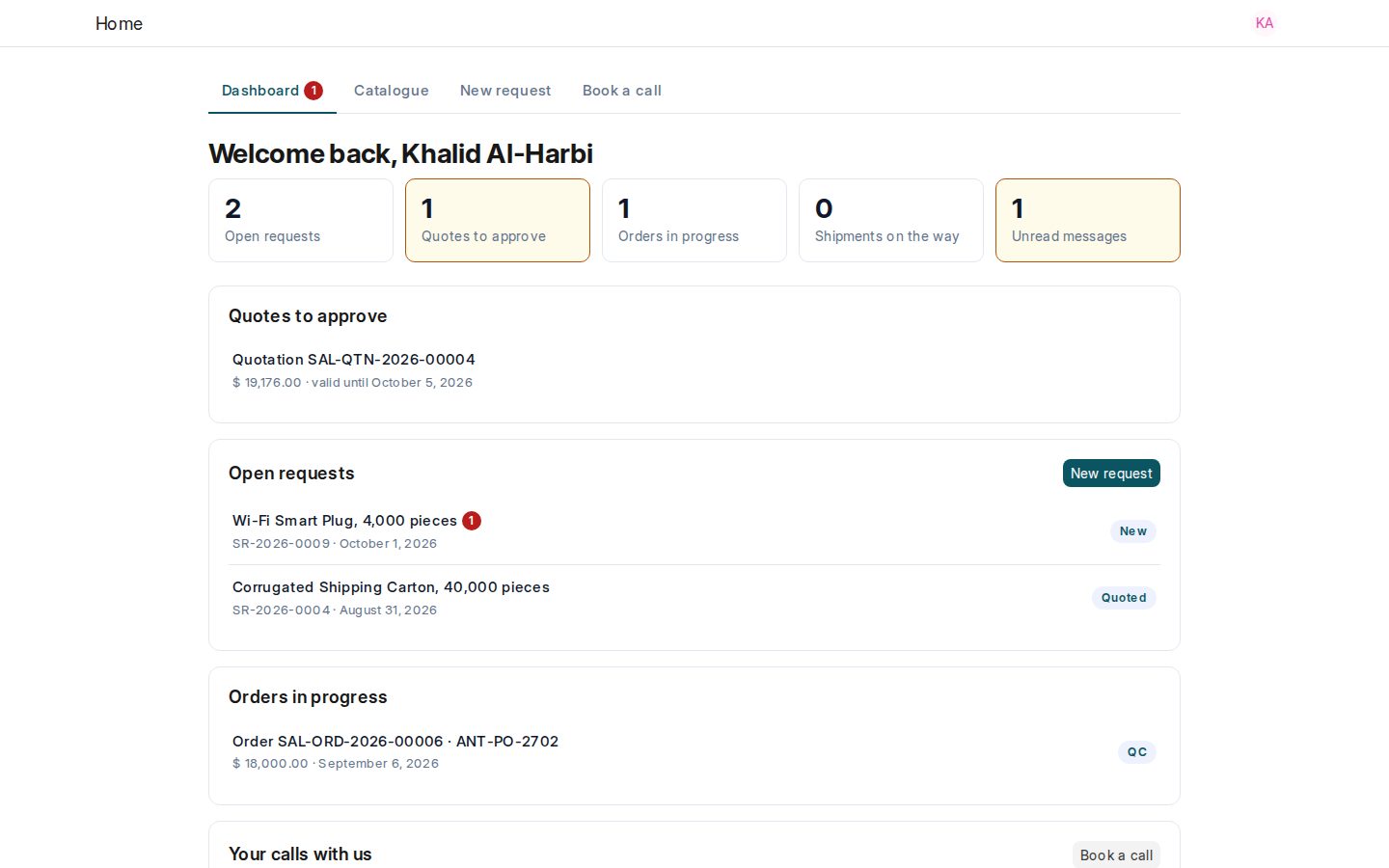
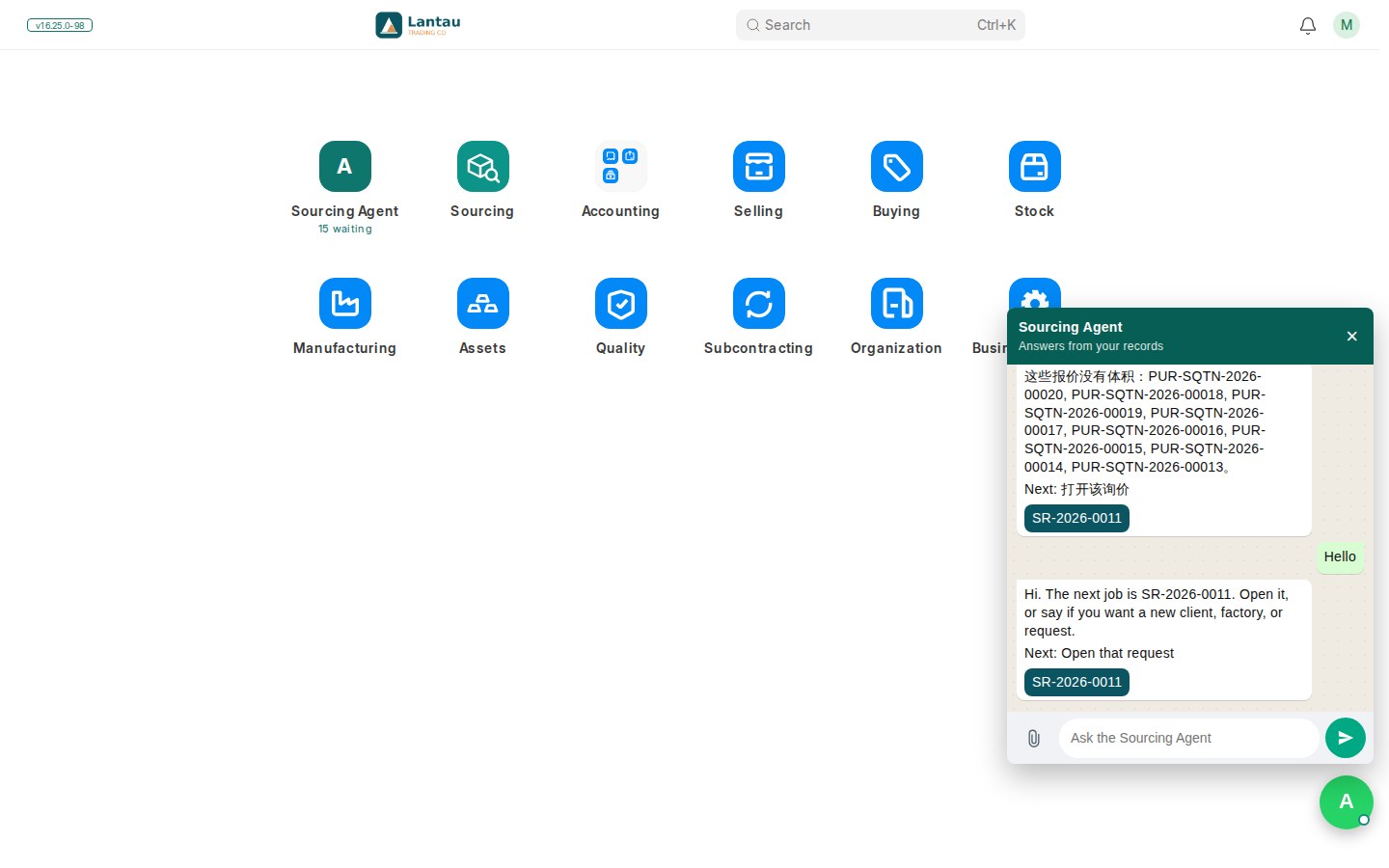
PHOENIX first ran ClearDesk on ERPNext and Frappe. Sourcing agents needed a workflow built around requests, RFQs, factory quotations, landed costing, pricing, approvals, production, QC, shipping, the portal and accounting, so we built PHOENIX Native as that dedicated platform. Existing ClearDesk sites continue through a controlled, staged transition.
These are planned. They are not part of PHOENIX Native today.
SABER and ACI checklists
Import checklists for Saudi Arabia and Egypt. Planned.
Solo $49, Agency $99, Agency Plus $199 a month (¥349 / ¥699 / ¥1,399). A yearly plan is 12 months for the price of 10. Setup service: $600 one time (half price with a yearly plan), plus $100 per 1,000 rows imported. Paid activation is manual commercial onboarding by PHOENIX operators. A 30-day ClearDesk-generation trial is on the sign-up page.
A general business system covers accounting and stock, while sourcing work often lives in spreadsheets and chat. Native is built around the sourcing agent’s day: request, RFQ, factory quotation, landed cost, pricing, approval, order, production, QC, shipping, client portal and invoice.
Read the sourcing workflow →There are three roles: owner, staff and client. Owners and staff work in Today, Requests, Deals, Suppliers and More. Clients use the portal. Manager review is a way of working a request, not a separate role.
Read about users and roles →Clients sign in to the portal and see their own requests, quotations, delivery progress and invoices. Factory and supplier commercial details are not shown to them.
Read the client portal guide →Yes. Factory and supplier commercial details, such as identities, costs and margins, stay internal and do not appear on the client portal.
What your clients see →Commission, Markup, Factory Rebate and Mix. Pricing is reviewed and approved as part of the deal, before the client decides.
Read about business models →Yes. Each company works in its own workspace, and records are not shared across companies. Posted accounting entries cannot be edited. When you ask, we sign an NDA before any data exchange.
Read about security →Solo $49 or ¥349 a month, Agency $99 or ¥699, Agency Plus $199 or ¥1,399, one price per company. A yearly plan is 12 months for the price of 10. Setup is $600 one time, half price with a yearly plan.
See the plans →Yes. The sign-up page starts a 30-day ClearDesk-generation cloud trial (not a Native workspace). For a PHOENIX Native walkthrough, talk to us. Paid plans are activated by PHOENIX operators through invoicing; there is no automatic card payment or automatic renewal claimed here.
Talk to us about Native →They keep running. Each one moves to PHOENIX Native through a controlled, staged transition that we plan with you. We do not move every site at once.
Talk to us →Send us your supplier, client and product lists as spreadsheets and we import them as part of setup. Imports are priced at $100 per 1,000 rows.
Read the import guide →Talk to us for a PHOENIX Native walkthrough, or start a ClearDesk-generation cloud trial on the sign-up page.

Sourcing Management, price plans and services
Chat with the PHOENIX assistant
Enter your name to talk with PHOENIX Assistant. Email and phone are optional.
Your name is enough to start. Email and phone are optional.
Or type your own message below