
Sourcing on Native · Beginner
Import Data
How your existing supplier and client lists come into PHOENIX Native: adding records, importing a factory list or price list, and the setup help we offer.
You do not have to type everything one record at a time. This page says what you can do yourself and what we help with during setup.
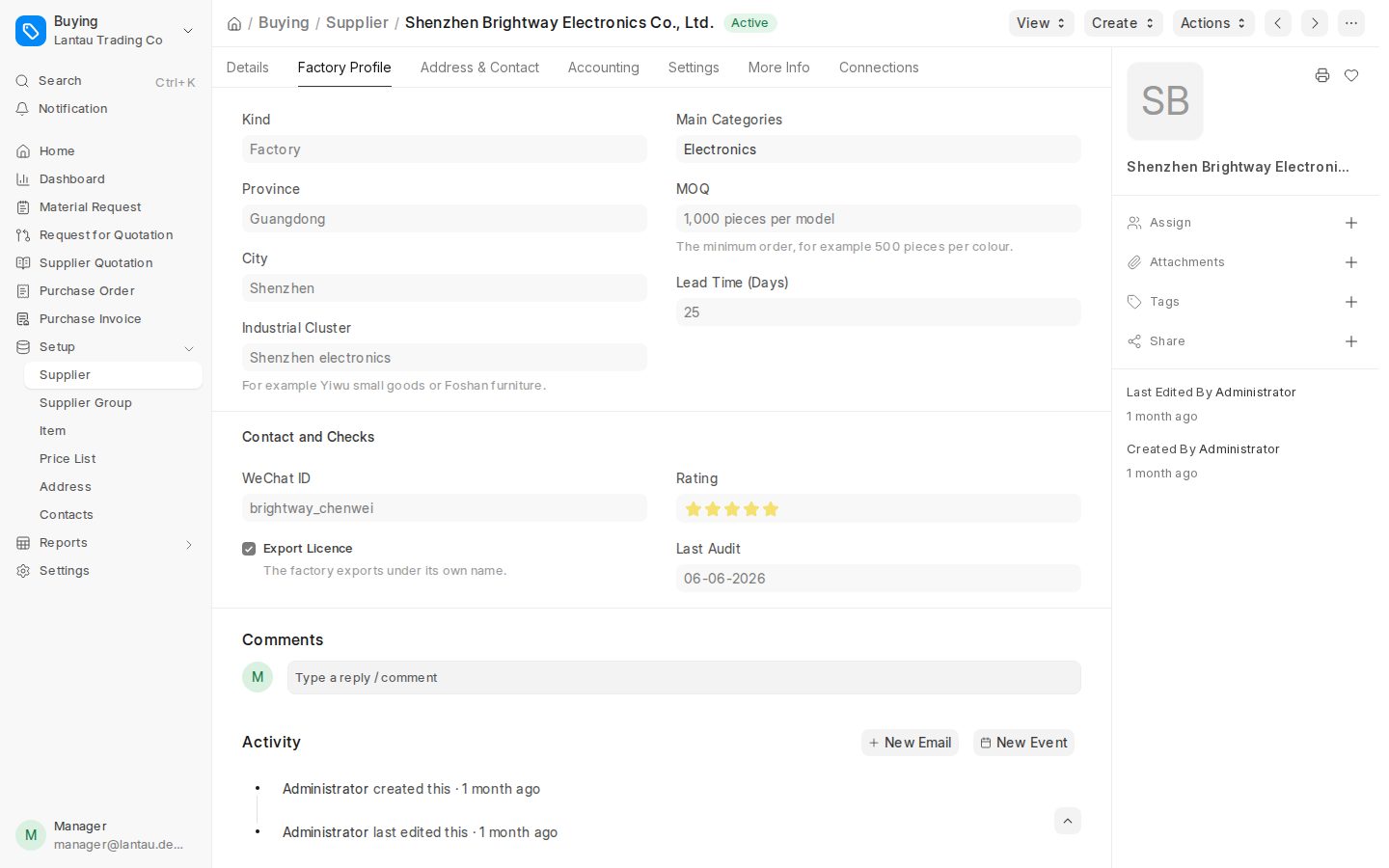
What you can do in the app
| Task | Where |
|---|---|
| Add a supplier by hand | Suppliers, then the new supplier form |
| Import a factory list or a supplier price list | Suppliers, using the import control shown on the screen. The app tells you what format it expects |
| Add a client company and invite its buyers | Workspace administration under More |
| Record a request with its items and attachments | Requests |
Stored supplier prices are what you use when you build a quotation, and only prices in the same currency are compared.
Setup help from us
If you are moving from spreadsheets or from ClearDesk, we help you bring your lists in as part of setup.
- Send us your files before the first load.
- We check them with you and tell you what needs fixing.
- We load them once you agree.
Setup is $600, half with a yearly plan. Import help is $100 per 1,000 rows. See Add-ons and plans.
Tips
- Keep a copy of your original spreadsheet.
- Clean obvious duplicates first, such as the same factory spelled two ways.
- After you add clients, invite their buyers to the portal. See Client portal guide.
Not described here
We do not describe an import for every record type. If you need a particular list loaded, talk to us and we will confirm what is possible.
Related pages
-
Getting Started
How a PHOENIX Native workspace is organised and the first steps for an owner: your team, suppliers, clients and your first request.
-
Your data
Your business data belongs to you. How to ask for a copy, how import is priced and where cancellation terms are set.
-
Plans, setup and extras
The three PHOENIX Native plans, how yearly billing and setup work, and what is not sold as an add-on.
Still have a question?
Ask the PHOENIX assistant in the chat at the bottom right (read-only guidance), or send us a message. We reply within one business day.
The self-service trial creates a ClearDesk-generation cloud site today. To see PHOENIX Native, talk to us.