
Start here · Overview
What is PHOENIX
PHOENIX builds PHOENIX Native, a dedicated platform for sourcing agents, and plans and builds software for other companies. Who we are, how the product evolved and how to start.
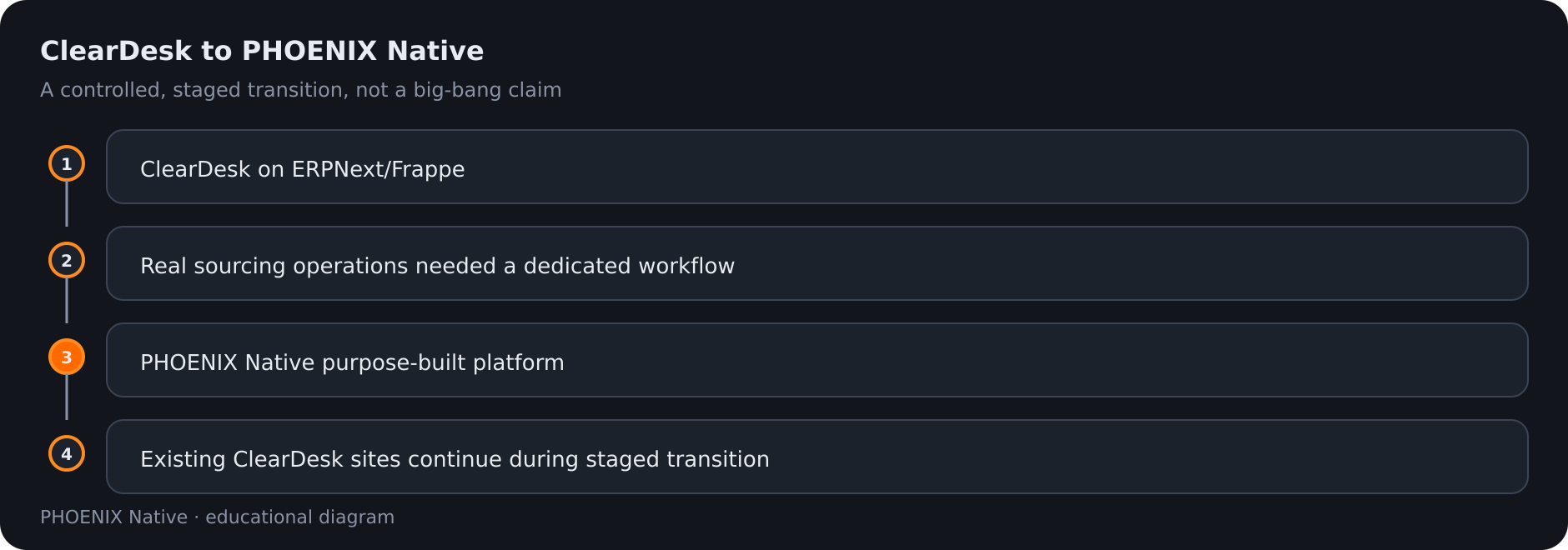 Diagram: ClearDesk to Native as a staged evolution
PHOENIX CONSULTING & DEVELOPMENT LIMITED builds business software. Our product for sourcing agents and trading companies that buy from factories for clients abroad is PHOENIX Native, a dedicated sourcing-operations platform.
PHOENIX Native follows the real path of a sourcing deal: request, RFQ, supplier quotations, landed costing, pricing, approval, quotation to the client, order, production, quality control, shipping, client portal and accounting. See Sourcing workflow.
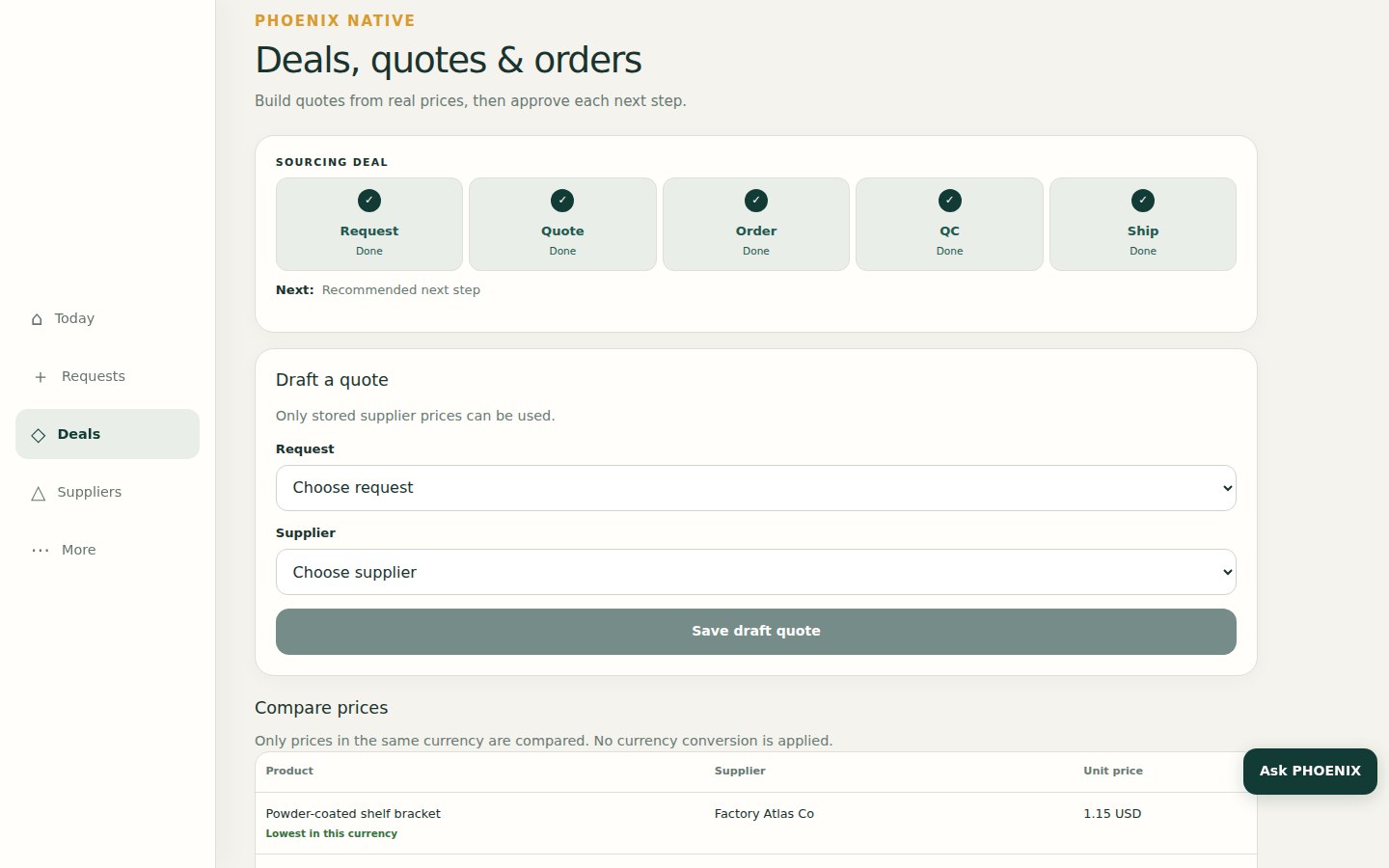 Real PHOENIX Native screen (synthetic demo data)
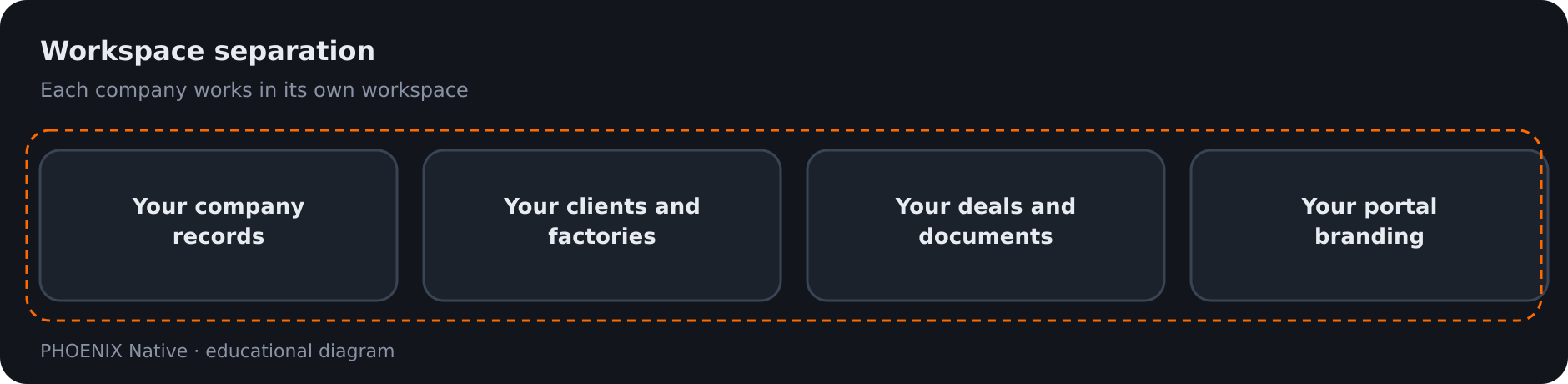 Diagram: each company works in its own workspace
How the product evolved
PHOENIX first operated its sourcing system as ClearDesk, built on ERPNext and Frappe. Real sourcing-agent work needs a workflow designed around requests, RFQs, factory quotations, landed costing, pricing, approvals, production, quality control, shipping, a client portal and accounting. PHOENIX built PHOENIX Native as the dedicated platform for that workflow.
Existing ClearDesk deployments continue and move to Native through a controlled, staged transition. It is not a single switch-over, and not every customer has moved. The ClearDesk guides stay online, each marked as historical.
What PHOENIX Native includes
| Included | What it means for you |
|---|---|
| Workspace separation | Your company’s records stay in your own workspace, apart from every other company |
| Three roles | Owner, staff and client. See Users and roles |
| Five places to work | Today, Requests, Deals, Suppliers and More |
| Client portal | Clients follow their own requests, quotations, orders and invoices. Supplier names and costs stay hidden |
| Comments, attachments, history and notifications | Discuss a record, attach files to it and get in-app notifications |
| Accounting | Invoices and balanced journals. A posted journal cannot be edited |
| Six languages | English, Chinese, Arabic (right to left), French, Russian and Spanish |
| Read-only assistant | Ask PHOENIX explains the next step. It never changes a record |
Who we work with
- Sourcing agents and trading companies that buy from factories for clients abroad use PHOENIX Native.
- Companies that need software planned, built or run use our services, at a fixed price per written scope.
- Advisors and agencies who know business owners join the Partner Program.
Where we are
| Office | Role |
|---|---|
| Hong Kong | Head office. All contracts and billing. Business Registration No. 80155881 |
| England | Registered office. Company No. 15356247 |
How Help and the Manual fit together
The Knowledge Base (this section) gives the overview: what PHOENIX Native does and how a deal moves. The Manual has step-by-step pages, and some of them still show the earlier ClearDesk screens and say so at the top.
How to start
- Read the Sourcing workflow.
- See Try it for what you can try today.
- Talk to us to see PHOENIX Native for your own operation. We reply within one business day.
Related pages
-
Sourcing Workflow
How a deal moves in PHOENIX Native, from the client's request to RFQ, supplier quotations, landed costing, pricing, approval, order, quality control, shipping and invoice.
-
Users, roles and permissions
PHOENIX Native has three roles: owner, staff and client. What each can do, what clients never see and how people are added.
-
Try it: trial, sign-up and contact
What you can try today, and what you cannot. There is no public PHOENIX Native demo yet; the sign-up page and a conversation with us are the ways in.
Still have a question?
Ask the PHOENIX assistant in the chat at the bottom right (read-only guidance), or send us a message. We reply within one business day.
The self-service trial creates a ClearDesk-generation cloud site today. To see PHOENIX Native, talk to us.