
Sourcing on Native · Beginner
Getting Started
How a PHOENIX Native workspace is organised and the first steps for an owner: your team, suppliers, clients and your first request.
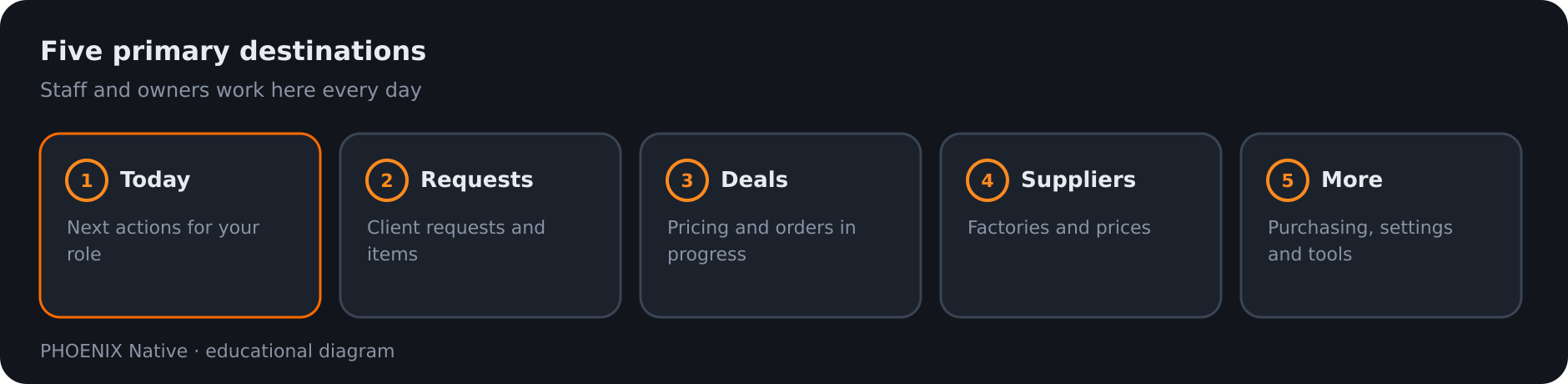 Diagram: the five primary destinations in the Native app
PHOENIX Native runs a sourcing agency: the requests your clients send, the suppliers you buy from, the deals that follow, your files and your accounts, with a portal where your clients follow their orders. A workspace holds all of that for your company, apart from every other company.
How you get a workspace. PHOENIX Native workspaces are set up with our team. There is no public self-service Native demo today, and the free trial on the sign-up page creates a ClearDesk-generation site, not a Native workspace. See Try it.
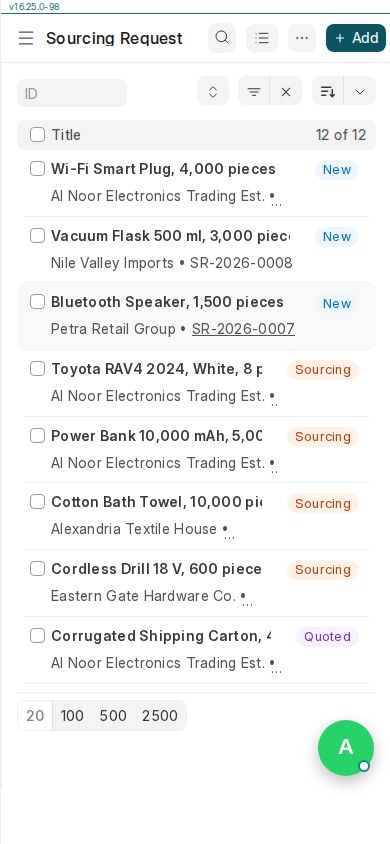 Real PHOENIX Native screen (synthetic demo data)
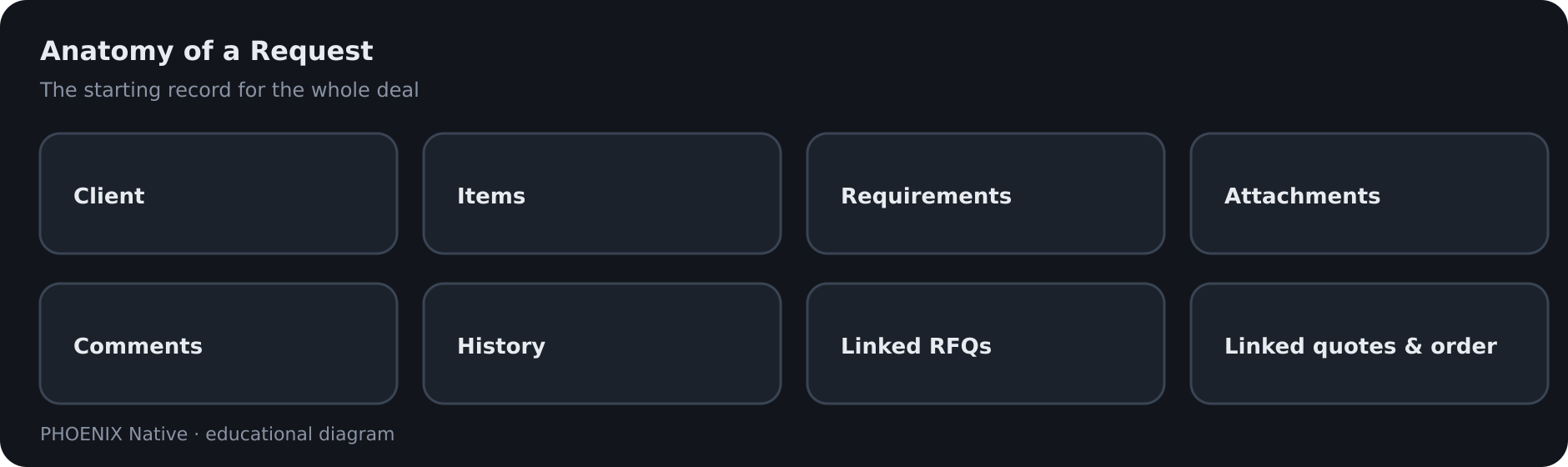 Diagram: what belongs on a Request
Three roles
| Role | What it is for |
|---|---|
| Owner | Full access: read, write, approve and release |
| Staff | Read and write, but no approve or release |
| Client | The portal only, for its own company |
Manager review is a business perspective, not a separate role. See Users and roles.
Five places to work
| Place | What is there |
|---|---|
| Today | The recommended next step and your queues |
| Requests | Client requests with items, requirements and attachments |
| Deals | Quotations, orders, quality control and shipping |
| Suppliers | Your supplier records and their stored prices |
| More | Purchasing, Projects, Sales, Freight, Landed costs, Accounting, Files and Help |
First steps for an owner
- Sign in. Today shows what to do next for your role.
- Add your team. In More, open workspace administration and invite staff by email.
- Add suppliers. Record them under Suppliers, or import a factory list.
- Add your clients and their buyers. Create the client company, then invite its buyers to the portal.
- Record your first request. Use Requests, or let the client send it from the portal.
- Follow the deal. Open it under Deals. The path is in Sourcing workflow.
Good to know
- The app works in six languages: English, Chinese, Arabic (right to left), French, Russian and Spanish.
- Ask PHOENIX gives read-only guidance and never changes a record. See Ask PHOENIX.
- Clients never see supplier names, factory prices, costs or margins. See Client portal guide.
- Bringing existing lists in is part of setup. See Import data.
Pricing
Solo $49 (¥349), Agency $99 (¥699) and Agency Plus $199 (¥1,399) a month. Yearly is 12 months for the price of 10. Setup is $600, half with yearly, plus $100 per 1,000 import rows. See the pricing page.
Related pages
-
What is PHOENIX
PHOENIX builds PHOENIX Native, a dedicated platform for sourcing agents, and plans and builds software for other companies. Who we are, how the product evolved and how to start.
-
Sourcing Workflow
How a deal moves in PHOENIX Native, from the client's request to RFQ, supplier quotations, landed costing, pricing, approval, order, quality control, shipping and invoice.
-
Users, roles and permissions
PHOENIX Native has three roles: owner, staff and client. What each can do, what clients never see and how people are added.
-
Try it: trial, sign-up and contact
What you can try today, and what you cannot. There is no public PHOENIX Native demo yet; the sign-up page and a conversation with us are the ways in.
Still have a question?
Ask the PHOENIX assistant in the chat at the bottom right (read-only guidance), or send us a message. We reply within one business day.
The self-service trial creates a ClearDesk-generation cloud site today. To see PHOENIX Native, talk to us.