
Sourcing Management · Beginner
Desk agent
One lesson from the public website to a fresh desk chat: each sentence, the stored answer, and Approve left unpressed.
Start on Sourcing Management and press Start Demo. It is free, needs no sign-up, and gives you your own demo company for 24 hours. Sign in as Manager.
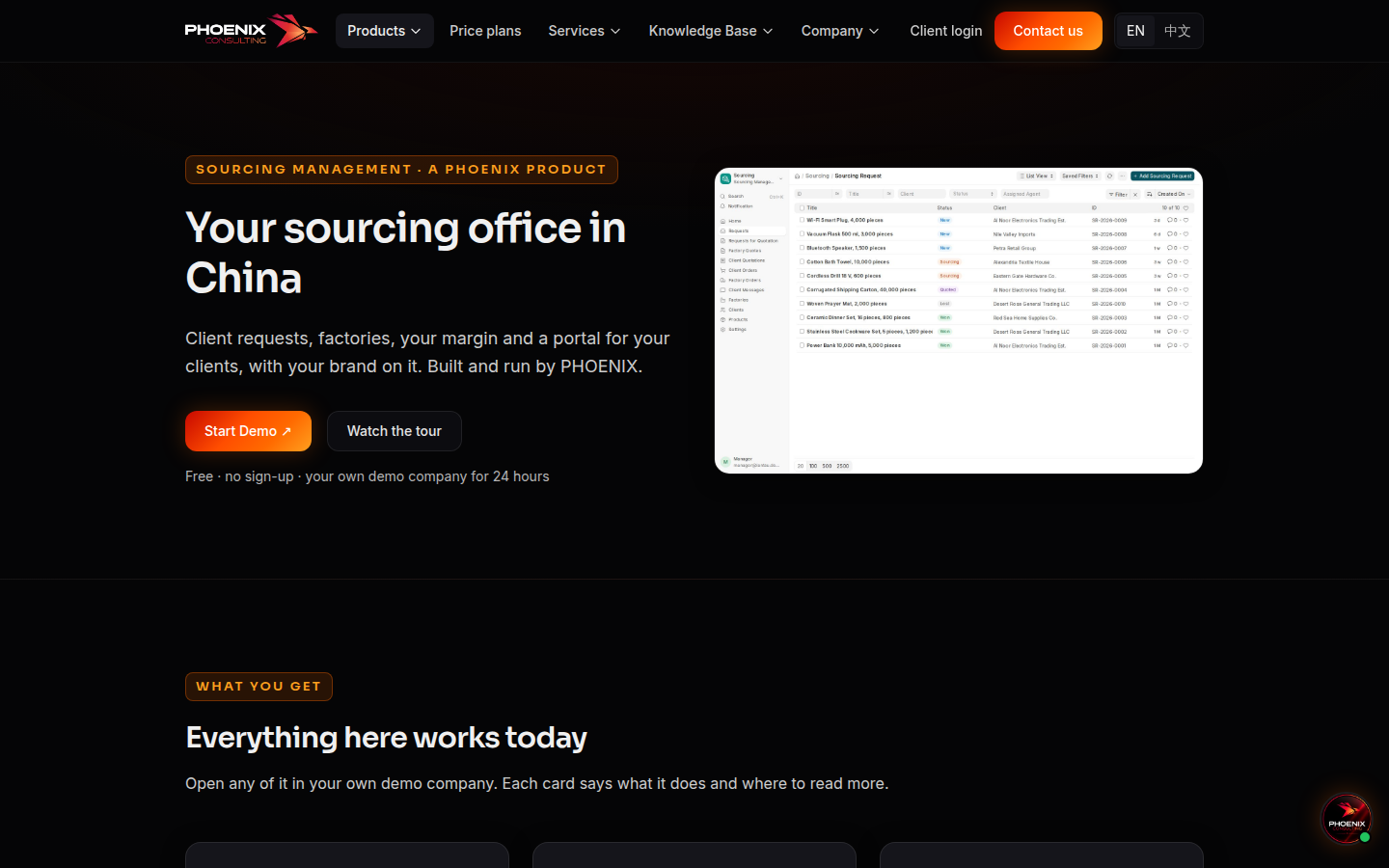
On the desk, open the green Sourcing Agent. A new chat has no older messages. Say Hello. On the Lantau demo it names the next job, SR-2026-0011.
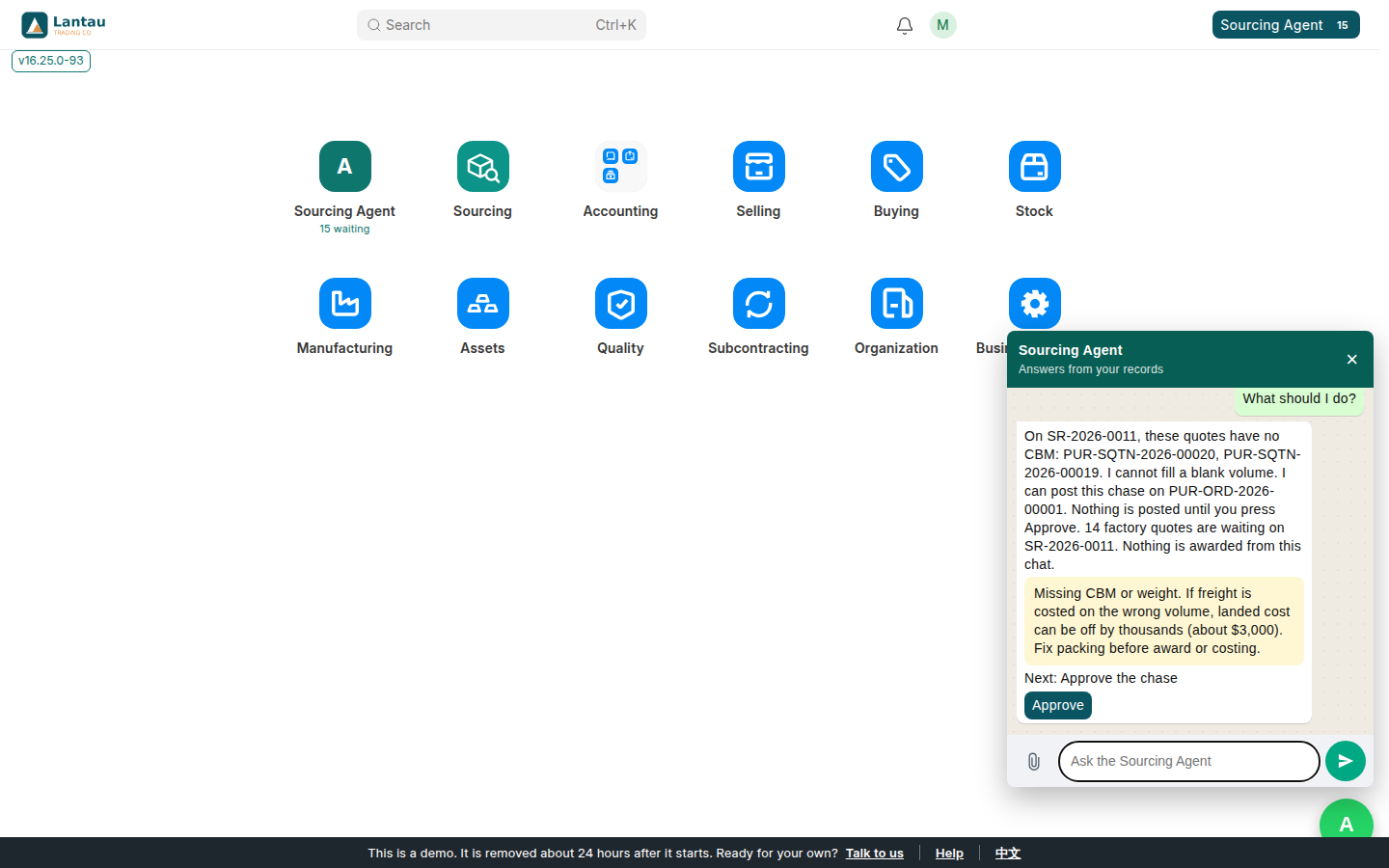
Say What should I do? The reply names SR-2026-0011, the quotes with no CBM (PUR-SQTN-2026-00020 and PUR-SQTN-2026-00019), and a chase on PUR-ORD-2026-00001. 14 factory quotes are waiting. Nothing is awarded, and a blank volume is not filled in. Approve posts that chase. Leave it unpressed if you only wanted to read.
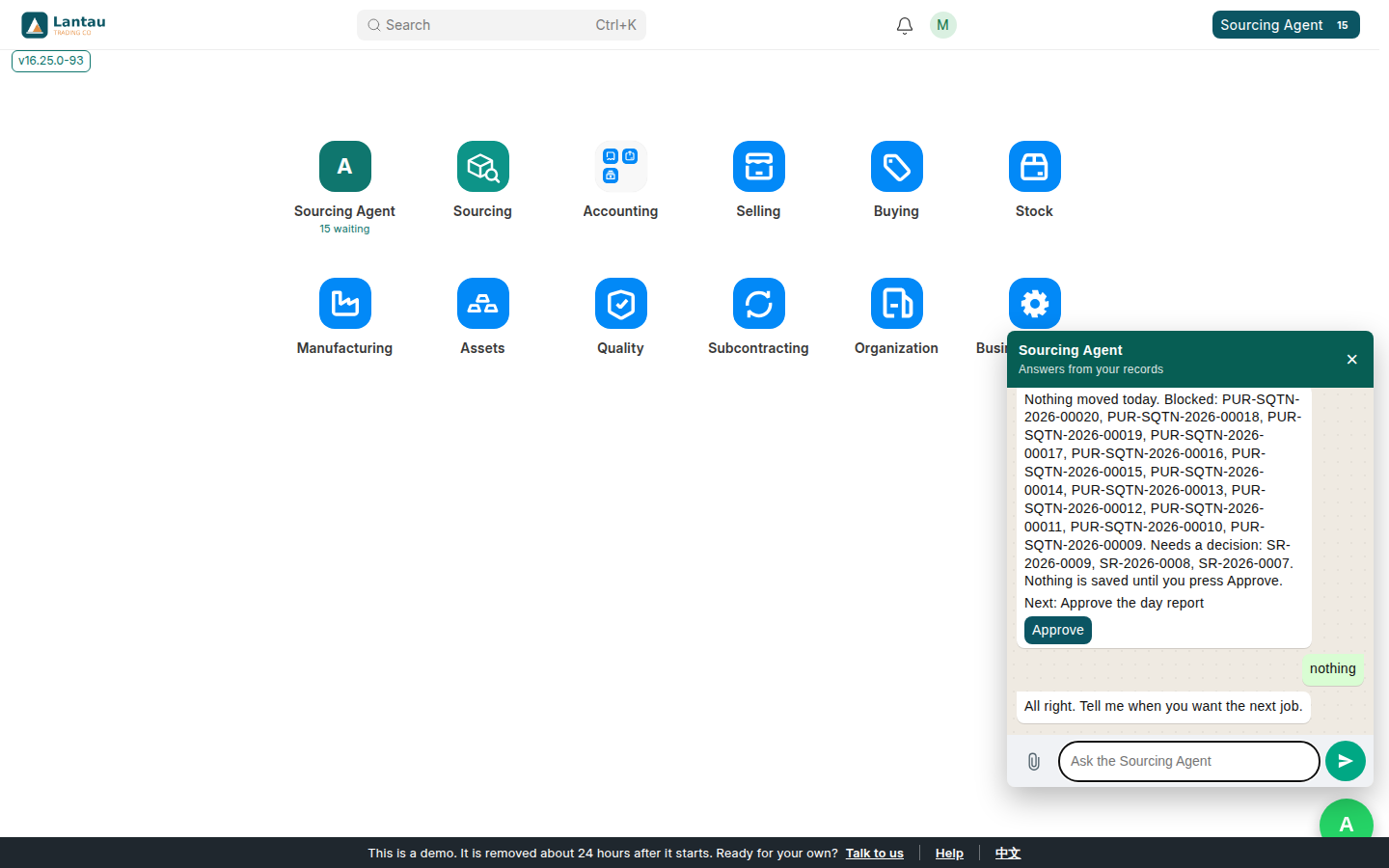
Then, in this order: Show the task list, I need to add a new client, Prepare the morning batch, Prepare the day report, and nothing. The task list shows three blockers and a count of the rest. A new client is a button, and the form is not saved yet. The morning batch on this demo drafts SR-2026-0009, SR-2026-0008, and SR-2026-0007, and it does not email. The day report says nothing moved today and is saved only after Approve. nothing stops the chat.
The full lesson, with every reply, is Ask the desk agent. The same sentences work in Chinese: 你好, 这个我能做什么, 任务, 我要新建客户, 早上的一批, 今天的报告, 没有.
Related pages
-
Sourcing Workflow
How a deal moves from the client's request to factory quotes, costing, the order, quality control and shipment, and what works today.
-
Getting Started
Set up your sourcing agency in five steps: your profile, how you earn, your factories, your clients and your first request.
-
Try the demo
Your own Sourcing Management demo company for 24 hours: free, no sign-up, three logins, ready in about a minute.
Still have a question?
Ask the PHOENIX assistant in the chat at the bottom right, or send us a message. We reply within one business day.
