
Sourcing Management · Beginner
How to market your agency
Use your brand, the client portal and a short demo loop to win buyers, without sounding like a software pitch.
Most agencies grow by referrals and WeChat. Sourcing Management helps you look like a serious desk: your brand on every screen, a portal buyers can open themselves, and one clear path from request to order.

| Loop | What you do | What the buyer sees |
|---|---|---|
| Brand | Logo, colours, company name | Your site, not PHOENIX |
| Prove | Walk one sample request | Status, quotes, messages |
| Invite | Add the buyer as a portal user | Login email + dashboard |
| Close | Send a quotation, take the order | Approve on the portal |
1. Put your brand on every client screen
Open White Label Settings (or Day One > Your brand). Set the brand name, logo and two colours. The login page, the portal and emails then show your mark.
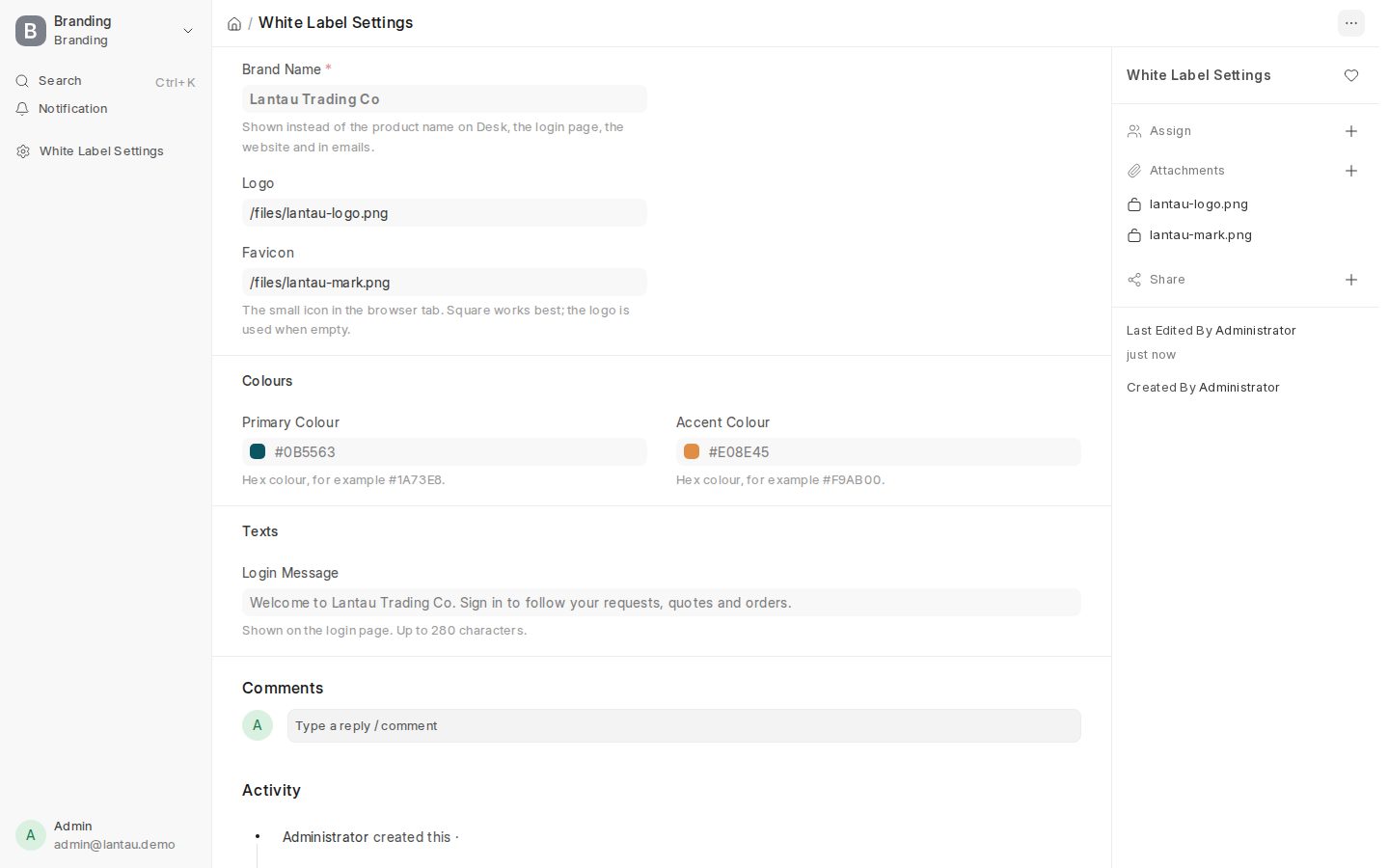
See White-Label and Getting Started.
2. Sell the portal, not the software
Buyers care about three things: “Can I send a request with a photo?”, “Can I approve a quote on my phone?”, “Will I see where my order is?”. Open the portal as Client in the demo and show those three screens.
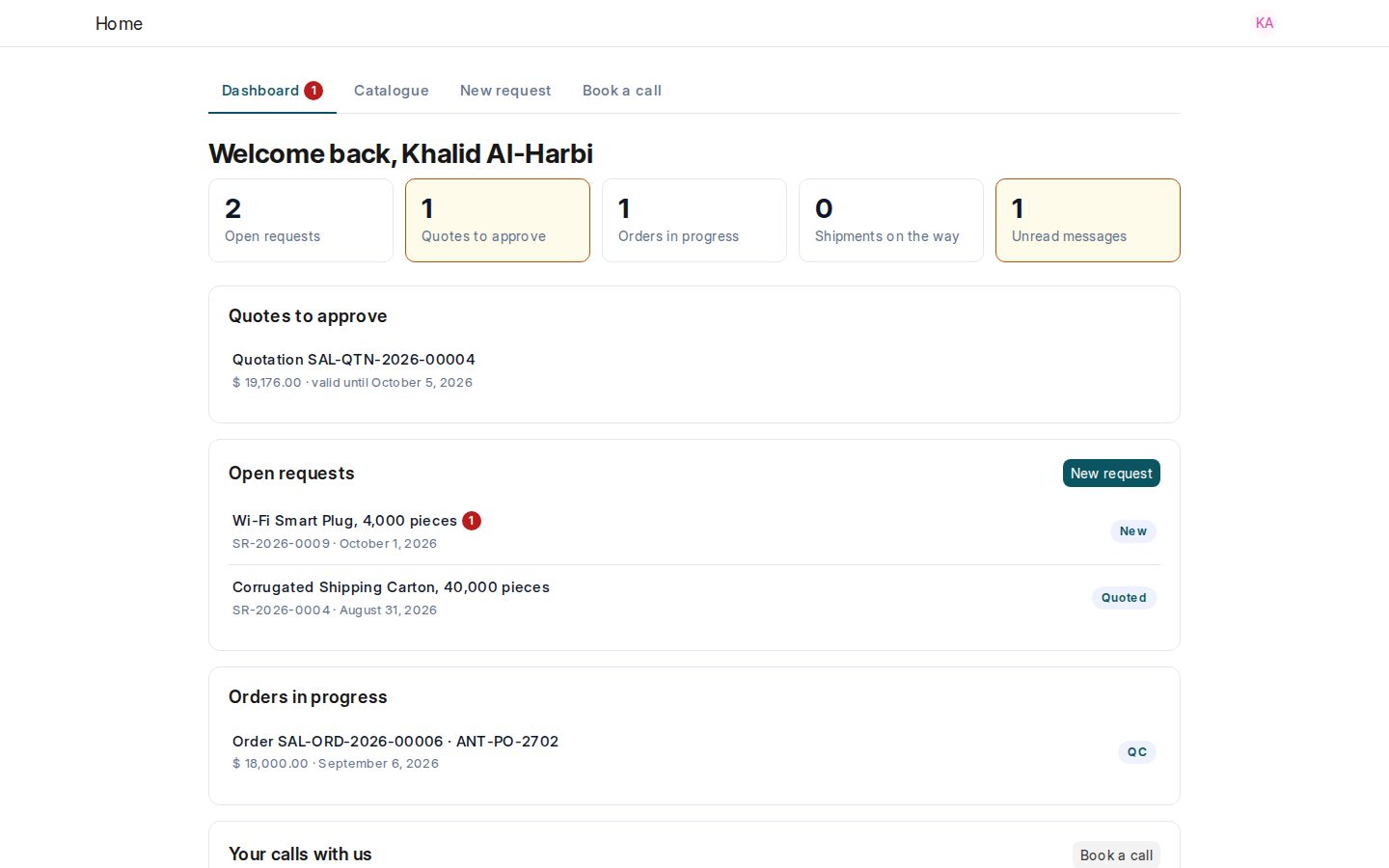
| Pitch line | Screen to open |
|---|---|
| ”Send the RFQ from your phone” | Portal > New request |
| ”Approve here, we start production” | Portal > quotation with Approve |
| ”Track every stage” | Request tracker (eight stages) |
See Client Portal Guide.
3. A 15-minute demo that closes meetings
- Sign in to your site (or Start Demo).
- Open Requests and pick one sample deal.
- Show factory quotes side by side, then the costing sheet (your margin stays internal).
- Switch to the client login and approve the quotation on the portal.
- End with: “I invite your buyers today; the next RFQ comes through your brand.”
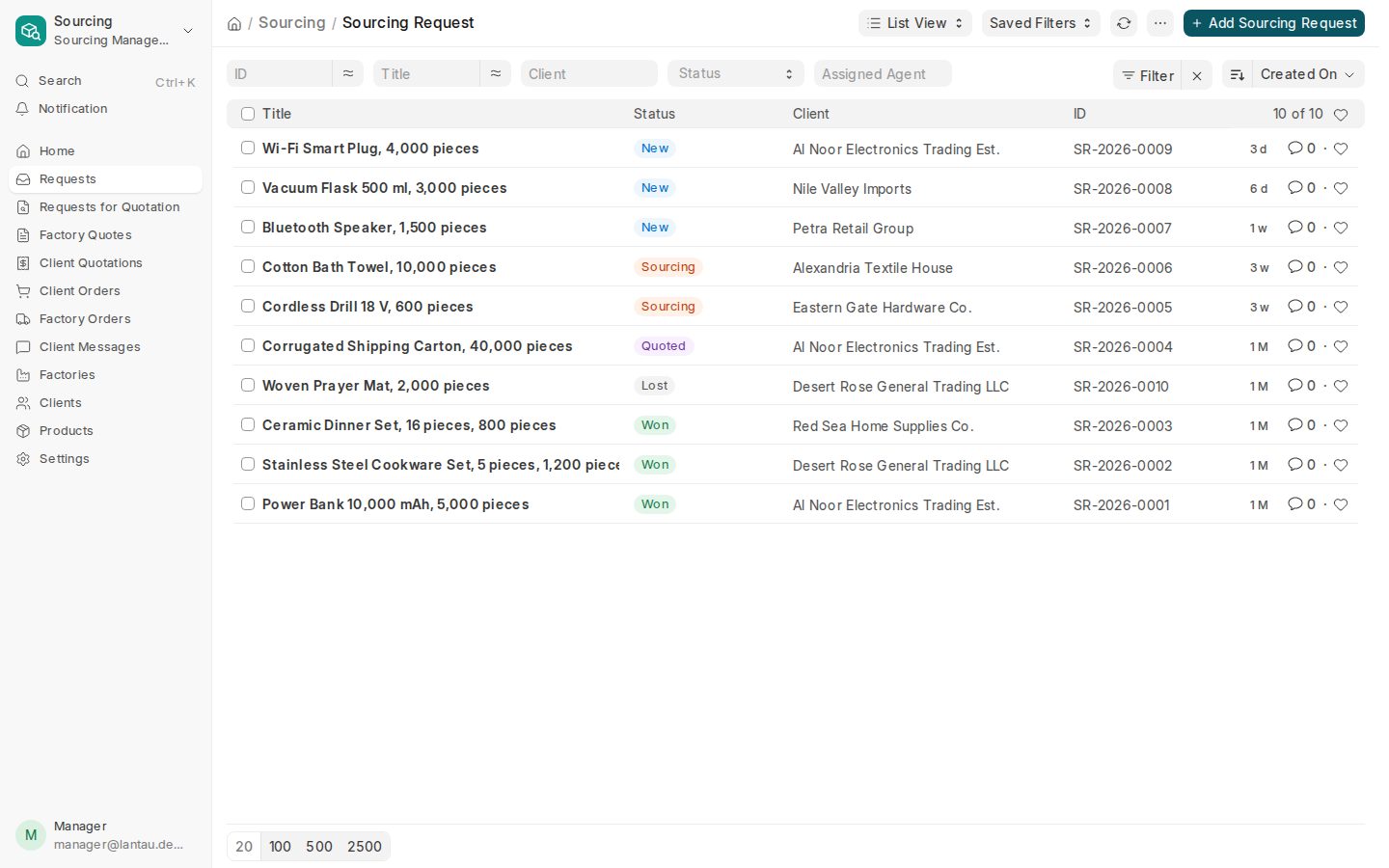
4. Invite the first real buyers
- Open the client under Clients.
- Add each buyer in Portal Users.
- They get an email to set a password (3 days). Send a short WeChat note with your site address.
| Do | Do not |
|---|---|
| One login per person | Share one password across a company |
| Send a second invite if the link expires | Promise factory names or factory prices |
| Reply on the request thread | Move the deal to a private chat with no record |
5. Content and channels that work for China desks
| Channel | What to post | Link to product |
|---|---|---|
| WeChat Moments / groups | One photo of a packed carton + “quoted in 48h on our portal” | Your login URL |
| LinkedIn / email | Short case: request → quote → approve | Portal screenshot (no factory prices) |
| First meeting | Live portal on a phone | Book a call page |
| After delivery | Ask for one introduction | New portal invite |
6. Keep promises the product can keep
- Available today: requests, RFQ PDF, quote comparison, costing, client quotation, orders, portal, messages, your brand.
- Not yet (2027): QC photo packs and shipment tracking on the portal. Do not sell those as live.
See Sourcing Workflow.
Checklist before you pitch
| Ready? | Check |
|---|---|
| Brand name and logo saved | |
| At least one business model on in Sourcing Settings | |
| One sample request you can open in under 10 seconds | |
| Client demo login tested on a phone | |
| Your site address saved in WeChat favorites |
Try it. Start Demo gives you Lantau Trading Co for 24 hours. Practise the 15-minute loop before the next client call.
Related pages
-
Getting Started
Set up your sourcing agency in five steps: your profile, how you earn, your factories, your clients and your first request.
-
White-Label
Your brand name, logo, favicon and colours on the login page, your website and the back office; your colours on the portal.
-
Client Portal Guide
What your clients see on the portal, how to invite their buyers, and what stays hidden from them.
-
Try the demo
Your own Sourcing Management demo company for 24 hours: free, no sign-up, three logins, ready in about a minute.
Still have a question?
Ask the PHOENIX assistant in the chat at the bottom right, or send us a message. We reply within one business day.
