
Sourcing Management · Beginner
Who does what
Five people touch every deal: you, the assistant, the factory, the client, and sometimes an agent. One plain paragraph for each, so you always know whose turn it is.
Every deal has the same five people in it. This page says, in plain words, what each one does — so when a deal is waiting, you know who it is waiting for.
You, the owner
You make the decisions. You tell the assistant what the client wants, you check the factory prices that come back, you decide which factory to use, and you press Approve before anything is saved, sent or ordered. Nothing in ClearDesk can send an offer, place an order, or promise a date without your tap. If a number on the screen is wrong, it is wrong because it was typed or filed wrong — the assistant never makes numbers up, so your checking is the safety net.
The assistant
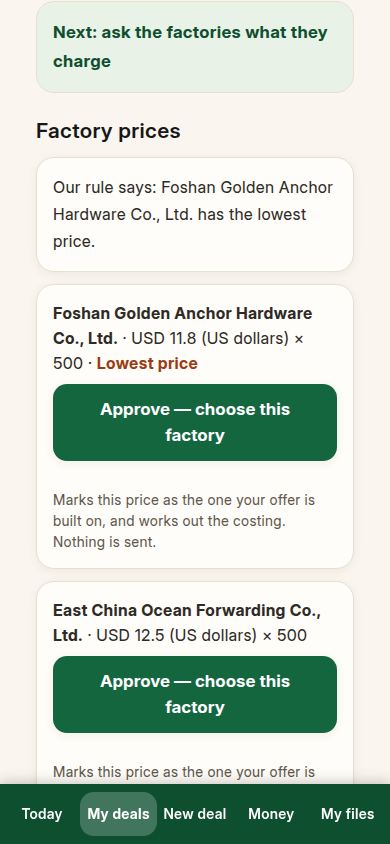
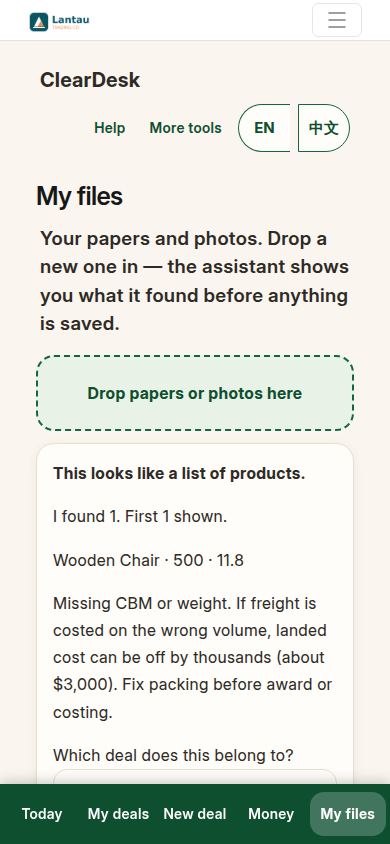
The assistant does the paperwork, never the decisions. It asks you the starting questions, reads the price files and photos you drop in and shows you what it found, lines the prices up side by side, writes the offer, the orders and the shipping papers from your stored records, and drafts reminder messages for people who owe you money. Every draft waits for your Approve. It speaks in plain sentences, in English or Chinese, and when it is not sure it says so and asks you.
The factory
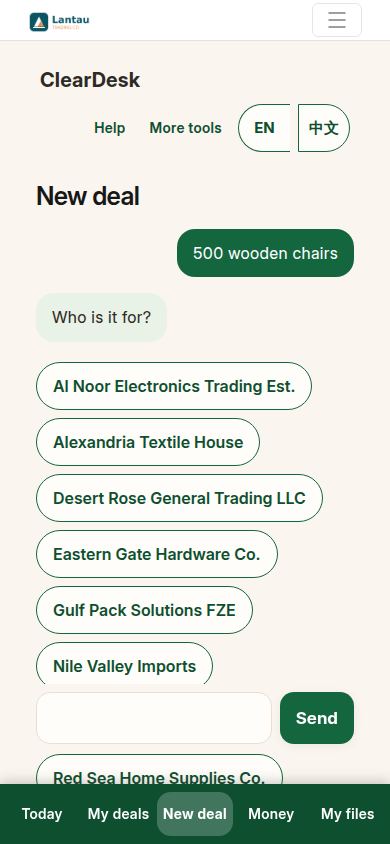
The factory makes the goods. It sends you its prices — often as an Excel price list, a PDF, or a photo — and those prices land on the deal for you to approve. Later the factory makes the goods to the dates on the factory order, lets the goods be checked, and hands them to the shipping company. The factory never sees your client’s name or the price your client pays; your order to the factory shows only what the factory needs.
The client
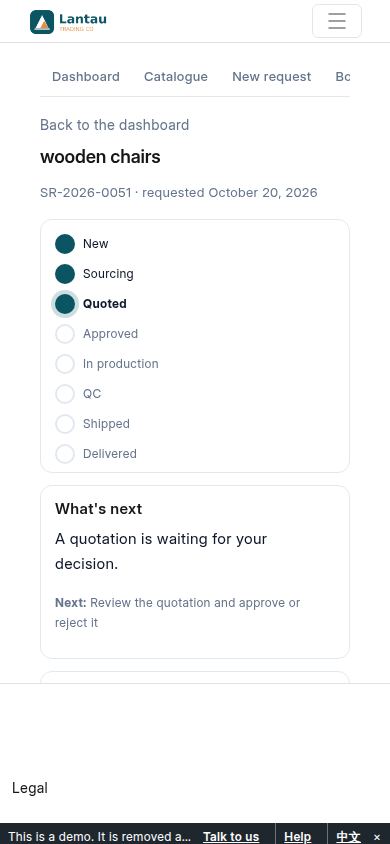
The client asks for the goods and pays for them. Your client gets their own page, where they see the offer you approved — the goods, the price, and the delivery terms, nothing about factories or your earnings. They press Approve, or they say no and write you a note saying why. When the goods are on the way, the client can see that too. The client never sees your costs.
The agent
Sometimes a deal runs through an agent instead of directly between you and the client — for example when the agent brought the client, or looks after the deal in the client’s country. The agent’s work is agreed before the deal starts, and what the agent earns is written on the deal, so the money pages always show who earned what and why. If your deals have no agent, this seat is simply empty and nothing changes for you.
If something looks different
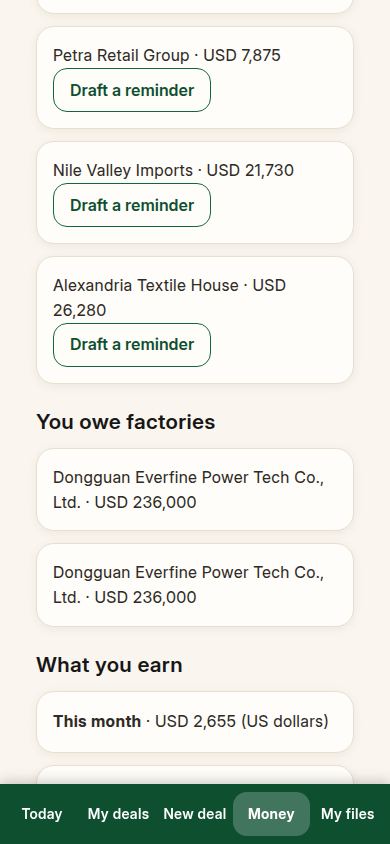
On your account the names, factories and clients are your own, so the screens will not match the pictures word for word. The jobs stay the same: you decide, the assistant prepares, the factory makes, the client approves and pays. If a deal seems stuck, open it — the top of the page says whose turn it is.
Related pages
-
ClearDesk: the whole deal on your phone
ClearDesk runs a whole sourcing deal from your phone in plain words: prices, the client offer, both orders, production, the quality check, shipping papers and money. Nothing is ever sent until you press Approve.
-
Your first day with ClearDesk
Your first day, step by step: open ClearDesk, answer the assistant, approve your first deal, and look at a finished example. Ten minutes, nothing sent to anyone.
-
From the first question to the money
One whole real deal, start to finish: ask, get prices, offer, client says yes, both orders, production, quality check, shipping papers, delivered, earnings. Every step with its real screen.
Still have a question?
Ask the PHOENIX assistant in the chat at the bottom right, or send us a message. We reply within one business day.
