
Sourcing Management · Beginner
A client finds you
A visitor asks for a quote on your website. ClearDesk shows you the message in plain words, you approve, and it becomes your first deal with that client — all the way to the goods leaving.
This is the whole ring: a stranger finds your website, likes a product, and writes to you. Nothing becomes a deal behind your back — you read the message, check it, and approve. Then the deal runs exactly like the one in From the first question to the money.
1. The visitor finds your product
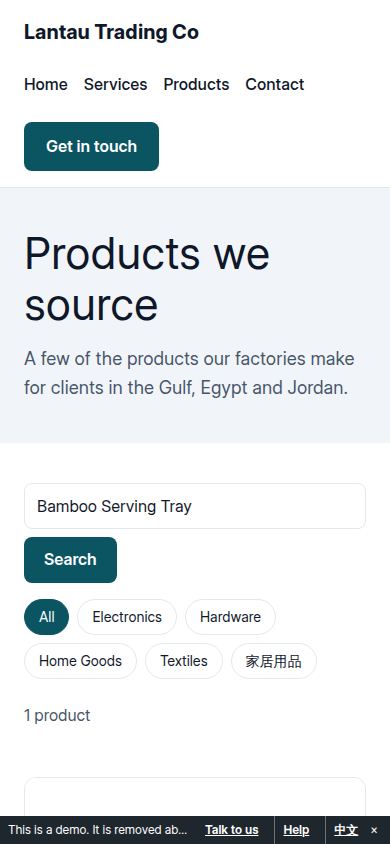
Sara sells home goods in Dubai. She opens your website, searches, and finds your bamboo serving tray.
2. She asks for a quote
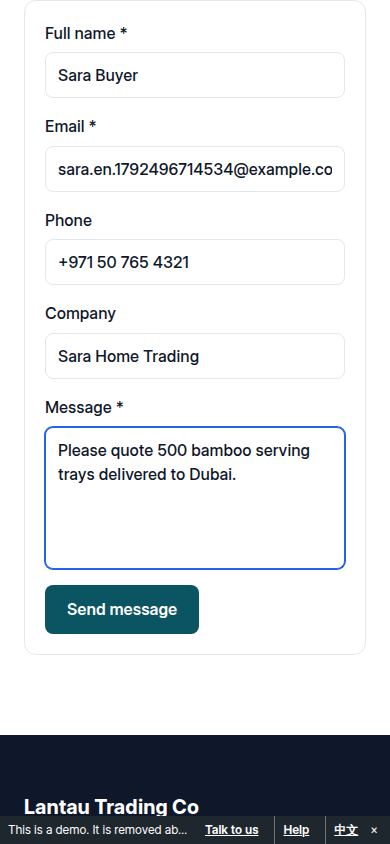
She taps Request a quote and writes in her own words: what she wants, how many, and where the goods should go.
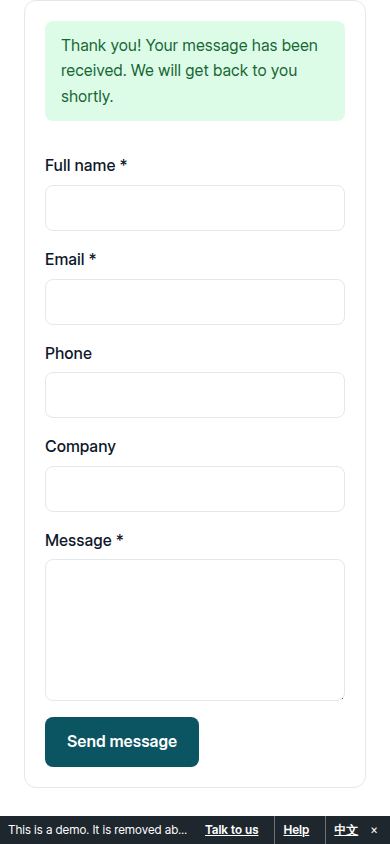
When she sends it, your website thanks her. Nothing has been promised to her — no price, no date.
3. The message reaches you
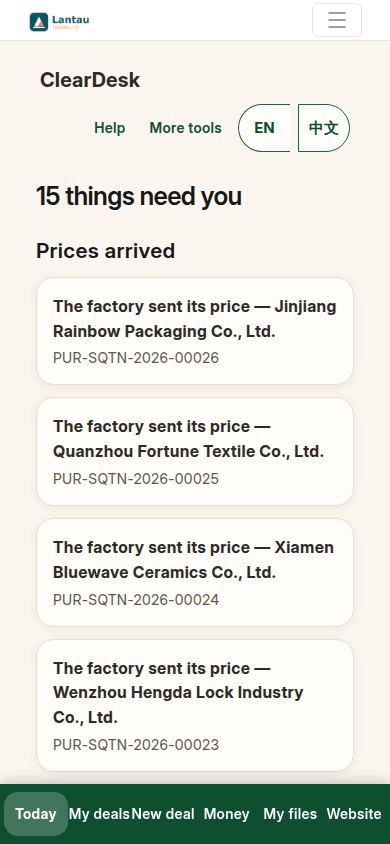
Next time you open ClearDesk, Today tells you a visitor message is waiting.
4. You read it in plain words
Tap Visitor messages. You see who wrote, how to reach them, and their exact words. ClearDesk fills in what they want, how many, and where the goods should go — read from their message, and you can change any of it.
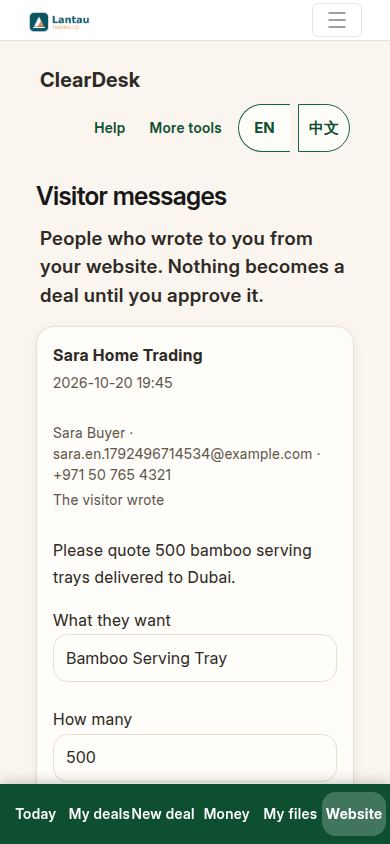
5. Approve — and the first deal starts
Press Approve — start this deal. Sara becomes your client (new clients are added for you at this moment), and one deal opens with her product, quantity and destination. Nothing is sent to Sara — you have not promised her anything yet.
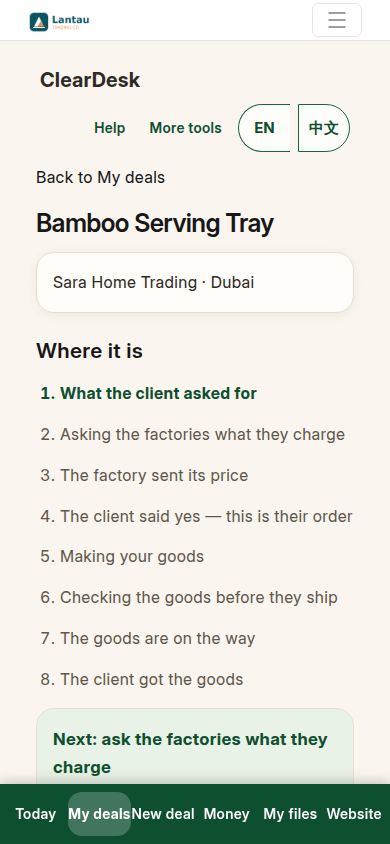
6. From here it is the usual road
Add the factory prices on the deal page. When two prices are in, ClearDesk lines them up and recommends by the rule: the lowest stored price.
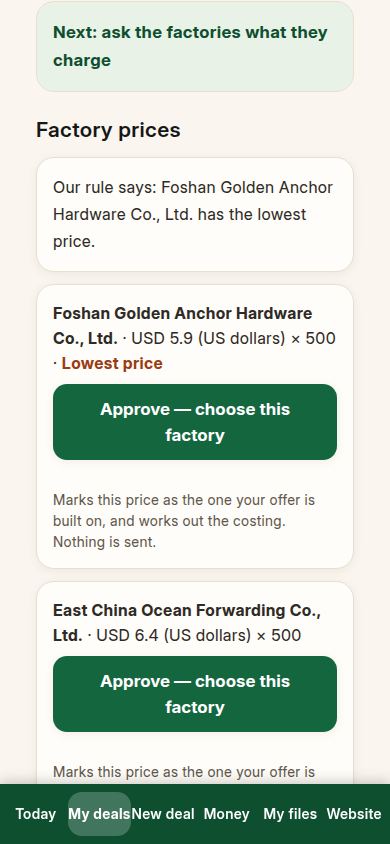
Press Approve — make the offer. The offer waits for the client, in plain words.
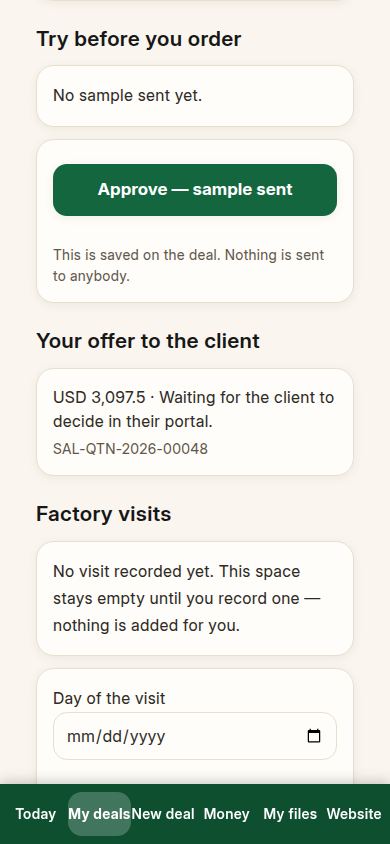
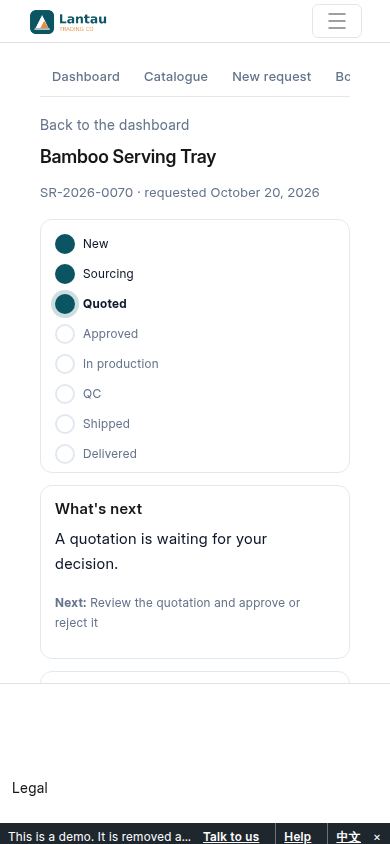
7. The client decides in the portal
Sara signs in to your client portal with her own login and sees the offer. She presses Approve. (A new client’s portal login is part of setting them up with you — the portal guide explains it.)
8. Orders, the check, and the goods leave
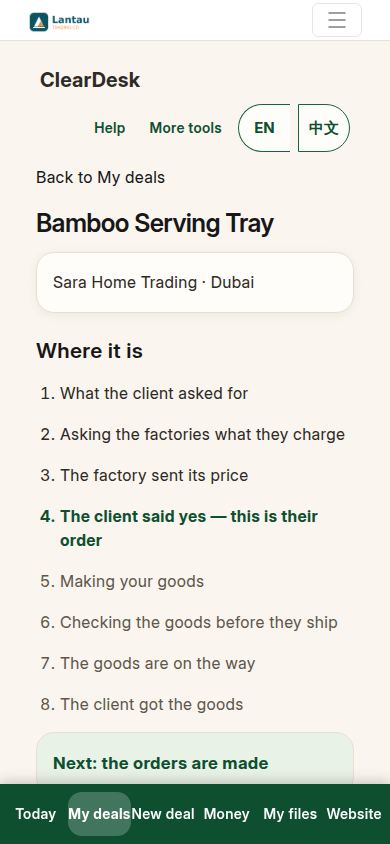
Back on the deal page, approve the client order, then the factory order.
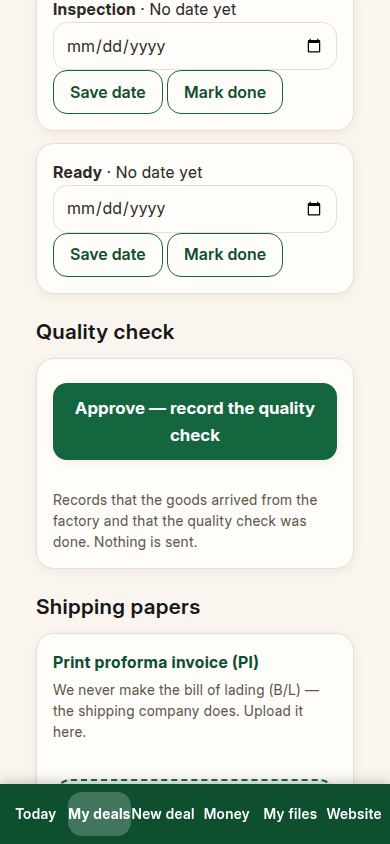
When the goods are ready, record the quality check.
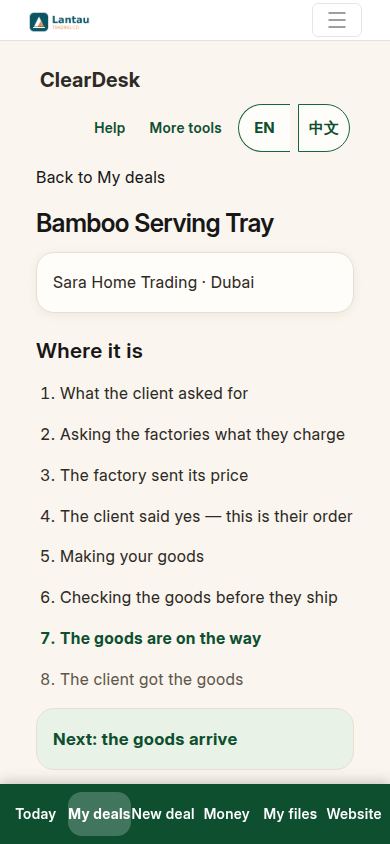
Then approve the goods leaving. The deal page now prints the proforma invoice (PI), packing list (PL) and commercial invoice (CI); the bill of lading comes from the shipping company and you only upload it — exactly like the first guide’s deal.
If something looks different
If a visitor wrote but no message is waiting, check Visitor messages under the Website tab — messages also wait there. If the product, quantity or place on the card is wrong, change it before you approve; what you approve is what the deal starts with. If the same person writes twice, their new message appears again — an old approval never hides a new question. And if you are not ready for a visitor yet, do nothing: the message simply waits, and nothing is ever sent from it without your Approve.
Related pages
-
Your products and your website
Add a product with a photo and one sentence, see it on your own website, and look at it the way a visitor does. No back office, no record types.
-
From the first question to the money
One whole real deal, start to finish: ask, get prices, offer, client says yes, both orders, production, quality check, shipping papers, delivered, earnings. Every step with its real screen.
-
Telling the world
Your website only brings clients if people visit it. Copy the link, share the picture code in WeChat, and know exactly what a visitor sees.
Still have a question?
Ask the PHOENIX assistant in the chat at the bottom right, or send us a message. We reply within one business day.
