
Part 11 · How PHOENIX supports you
Choose a plan and pay
Pay for your plan monthly or yearly with a card, through Airwallex, our payment provider.
What it is
You pay for your plan with a card, monthly or yearly. Yearly gives you two months free. The payment page is run by Airwallex, our payment provider: your card goes to Airwallex, never to your site or to us. Prices are in your account’s currency and are on our website.
Every plan has the same features; the plans differ only in users and storage (see Roles, plans and limits). You start with the plan you chose when you signed up. To take another plan, pay first and then change it, see Change your plan.
Why it matters
Without a plan your site is paused when the trial ends. With one, your site stays open and the payments run by themselves.
Steps
- Open My account from your name at the top of the desk.
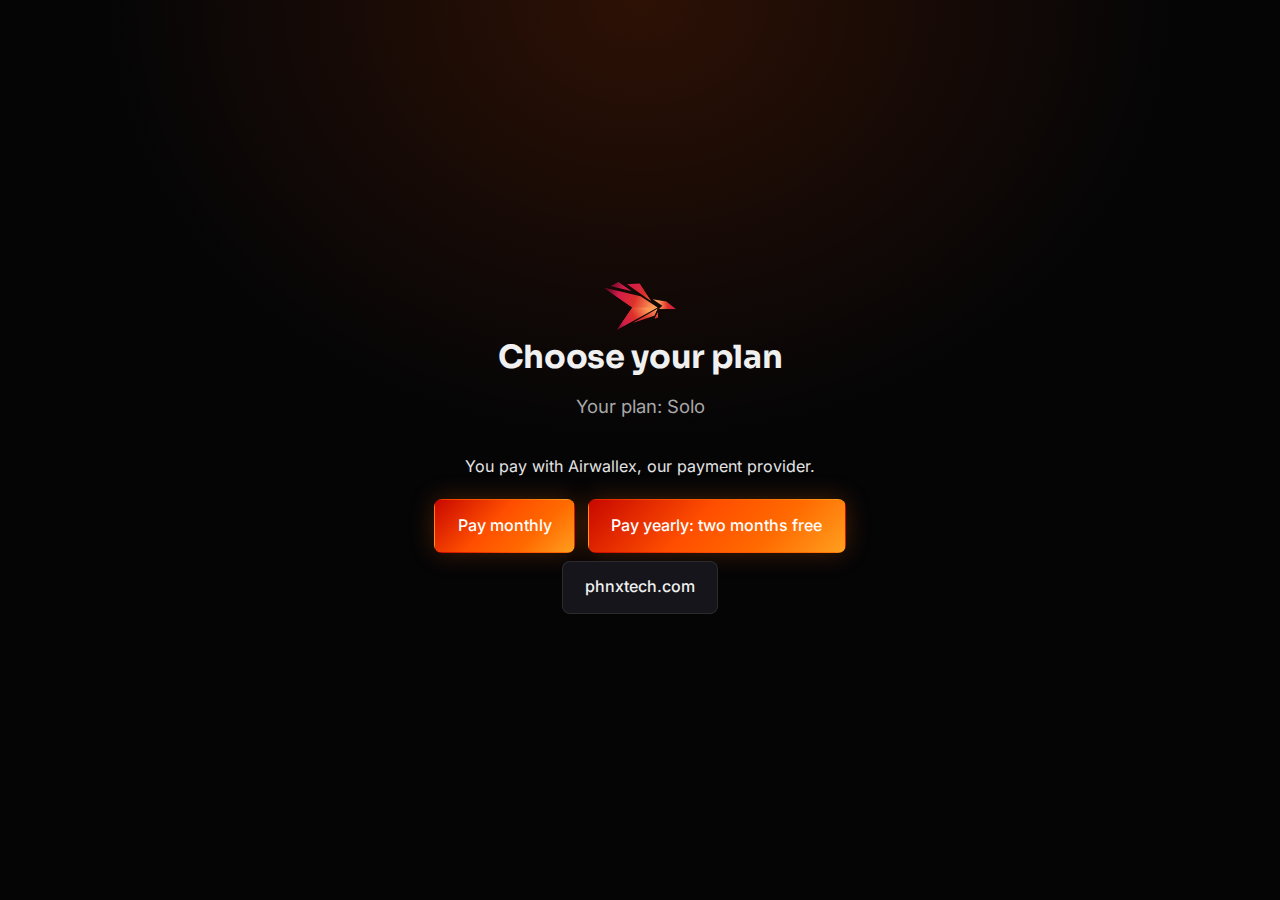
- On the Your plan card, select Choose a plan. The page Choose your plan opens with your plan.
- Select Pay monthly or Pay yearly: two months free.
- On the Airwallex page, enter your card and confirm.
- You come back to our page: “Thank you. We are confirming your payment with Airwallex; your site stays open.” A minute later, the Your plan card on My account shows your billing and the next payment.
If you pay during your trial, the trial goes on and the first payment is taken when it ends.
Common mistakes
- Expecting a charge at once during the trial. Airwallex keeps your card; the first payment is taken when the trial ends.
- Looking for another plan on the payment page. It shows your plan; you change plans afterwards on the billing page.
Tips
- The billing page is also in the menu under your name: Billing. It opens in a new tab.
- We email you each change to your plan or subscription.
Related pages
-
Your free trial
14 days with every feature and no card; what happens when the trial ends and how to keep your site.
-
Change your plan
Move to a bigger or smaller plan, or from monthly to yearly billing, on the billing page.
-
Invoices and your card
See and download your invoices, and change the card your plan is paid with.
