
Requests your clients send
Clients send requests from the catalogue or the New request page; they arrive in your Requests list.
Available Updated 2026-10-07
What it is
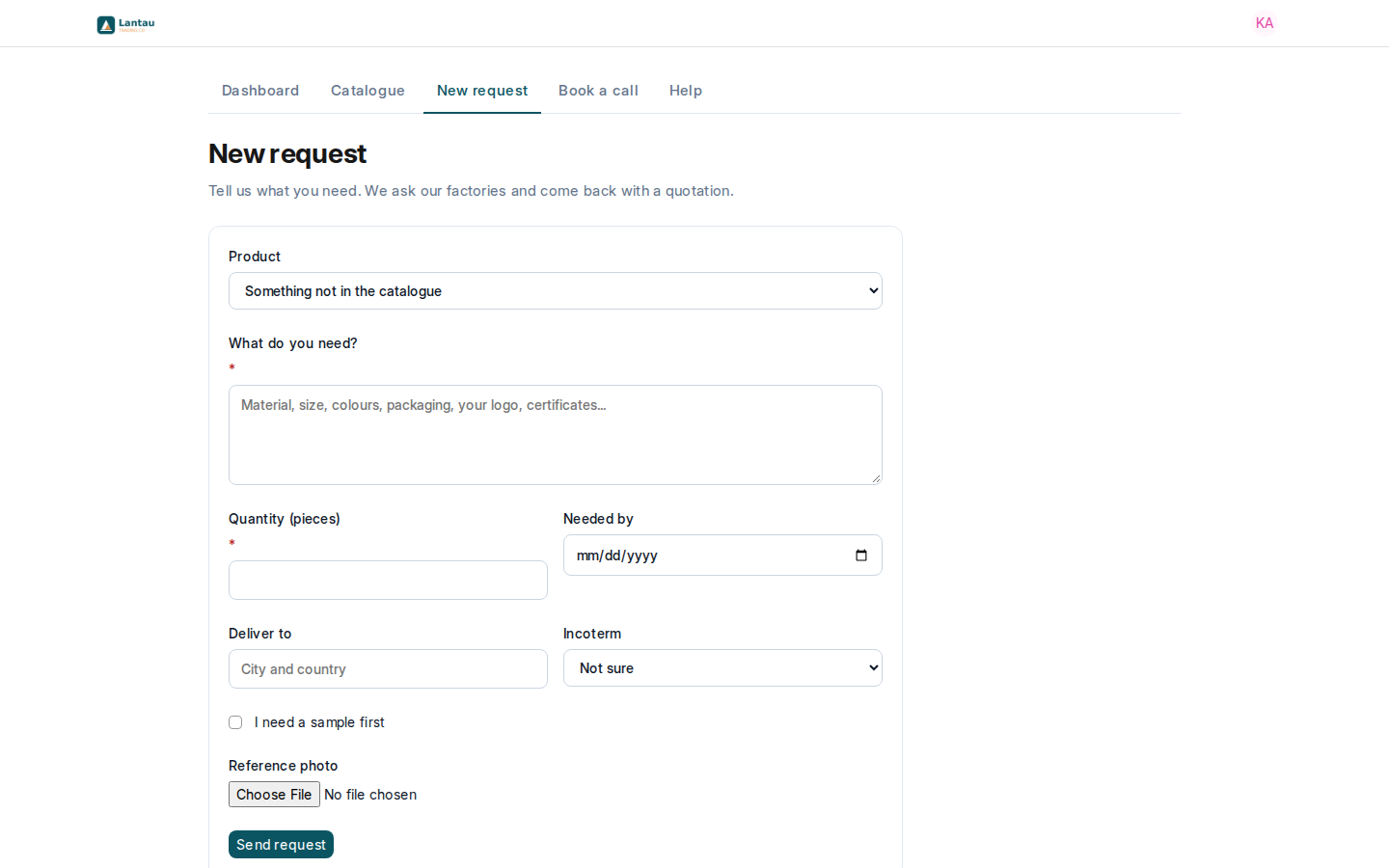
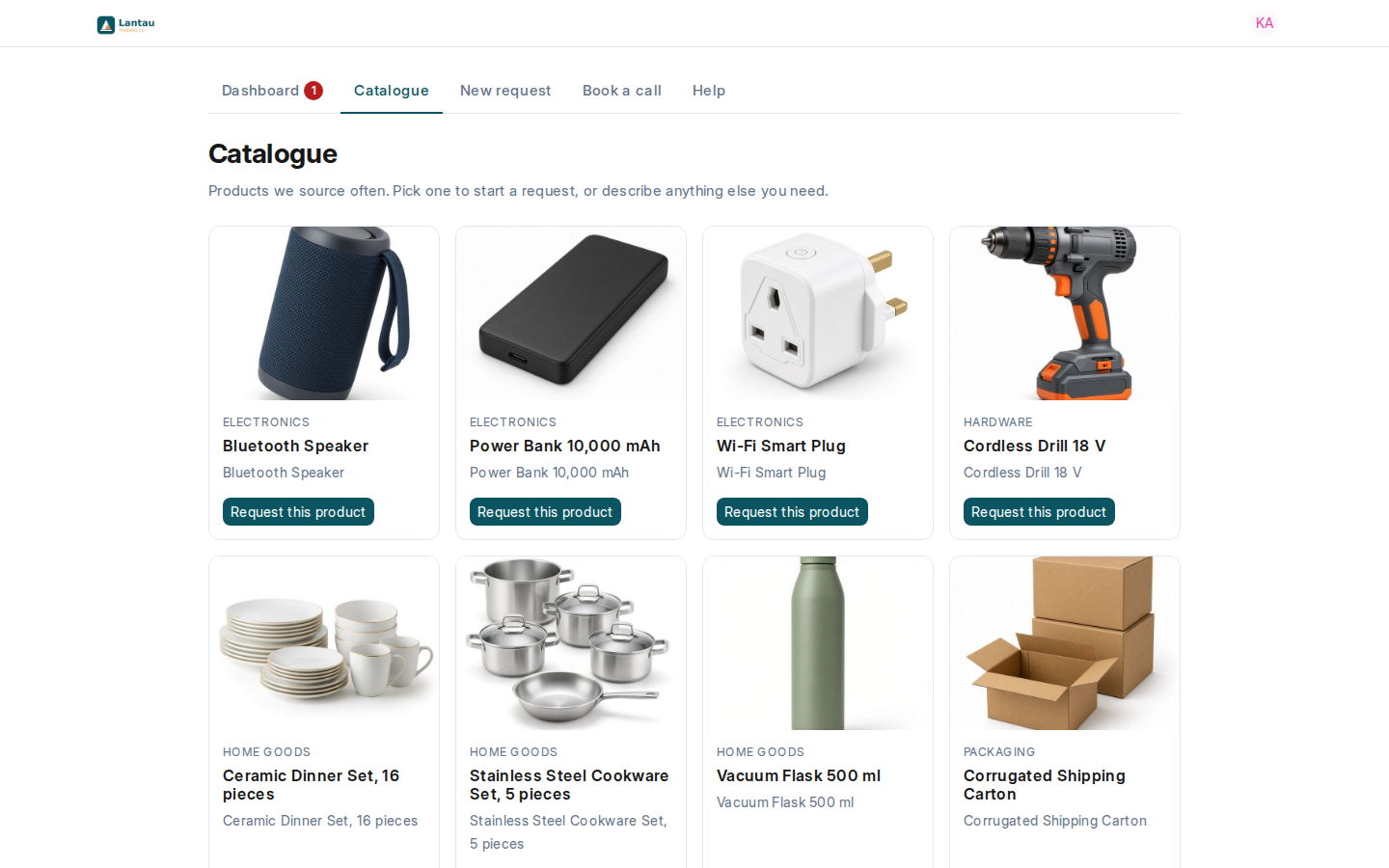
A buyer can ask you to source a product without writing to you: from your Catalogue, or with New request for anything else. Their request arrives in Sourcing > Requests like the ones you record yourself, with Source set to Portal.
Why it matters
Requests arrive complete (product, quantity, delivery place, date and photo), and nothing gets lost in a chat. You work them through the same steps as any other request.
Steps
- The buyer selects Request this product in the catalogue, or opens New request.
- They fill in What do you need? and Quantity (pieces), and if they know them Deliver to, Incoterm, Needed by, I need a sample first and a Reference photo, then select Send request.
- You get a notification (the bell at the top). It goes to the request’s agent; a new request has none yet, so every Sourcing Manager and Sourcing Agent gets it.
- Open the request, set the Assigned Agent, and continue with Ask factories for prices.
Common mistakes
- Leaving a portal request without an Assigned Agent. Every later message from the client then notifies the whole team.
- Expecting every product in the catalogue. Only products with a photo, Allow Sales and Maintain Stock ticked are shown.
Tips
- The request’s title is made from the product and the quantity, for example “Corrugated Shipping Carton, 40,000 pieces”. You can change it.
- Add a photo to your best-selling products: they appear in the catalogue, and clients can order them again in a click.
Related pages
