
Part 3 · The sourcing workflow
Follow your earnings
See what each order earns you, and follow each amount from expected to invoiced to received.
Available Updated 2026-10-07
What it is
Earnings lists what your agency earns on each client order, one row per part: Service Fee, Markup, Rebate and, when the order has a sales partner, Partner Payout. Each row is made when the client order is submitted, and its status follows the invoices and payments that settle it.
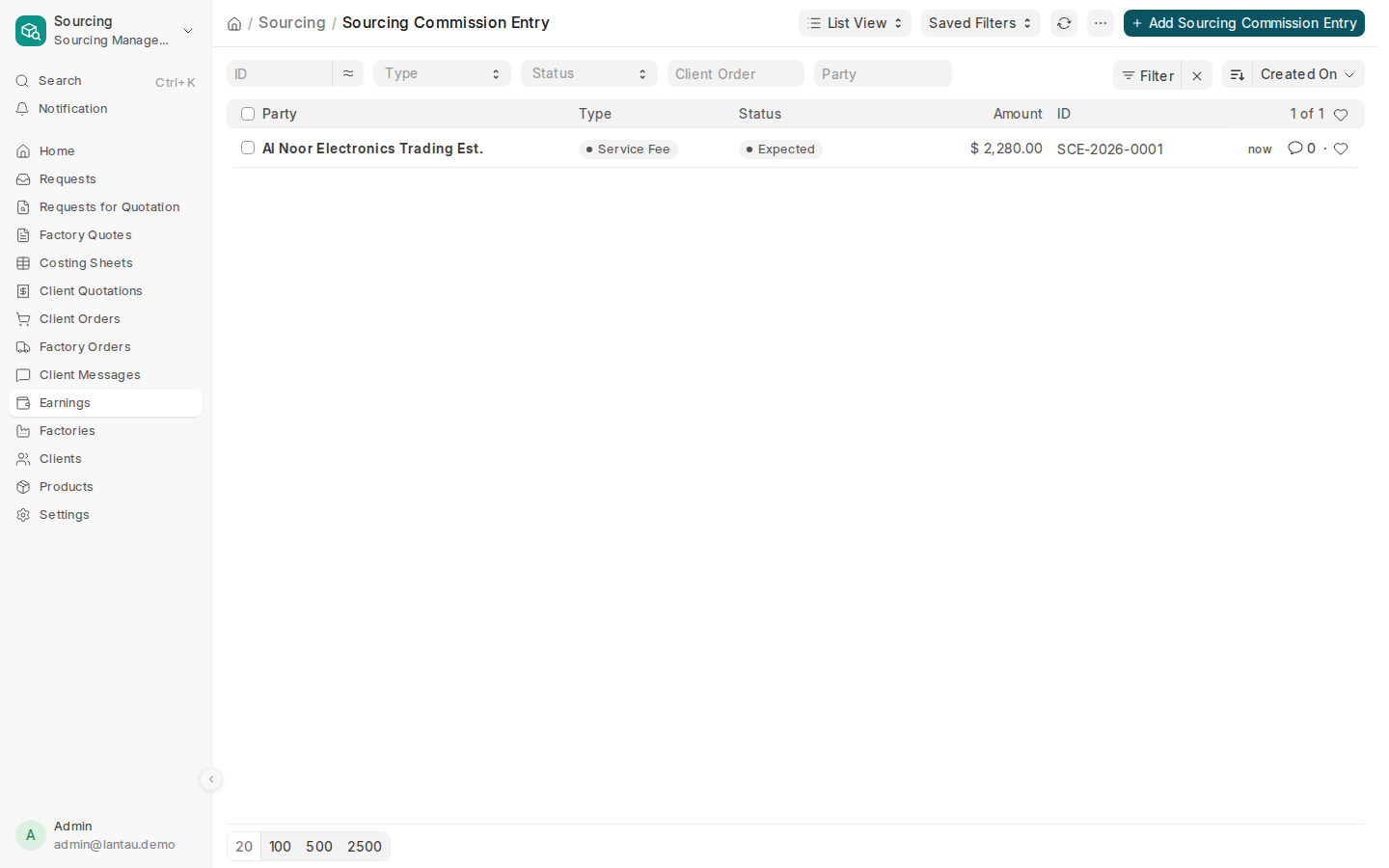
| Status | Means |
|---|---|
| Expected | The order is submitted; nothing invoiced yet |
| Invoiced | The invoice is submitted |
| Received | The invoice is paid (Paid for a partner payout) |
| Cancelled | The client order was cancelled |
Why it matters
You see what you are owed, by whom, and what is still open, without a spreadsheet. Only managers see Earnings; agents do not.
Steps
- Open Sourcing > Earnings. Filter by Type, Status or Client Order.
- To invoice the client: open the client order and select Create > Sales Invoice, then Submit. The service fee and markup rows become Invoiced; when the payment is recorded they become Received.
- To invoice a rebate: open the Rebate row and select Create > Rebate Invoice. The factory must first be linked to a client record with Party Link, because the factory is billed as a client.
Common mistakes
- Changing an earnings row by hand. Its amount comes from the costing sheet and its status from the invoices.
- Invoicing the client without making the invoice from the client order. The earnings then stay Expected.
Tips
- The client invoice prints as a Service Fee Invoice when it bills only your fee.
- A rebate invoice prints as a Debit Note to the factory, naming its own order numbers.
Related pages
