
Market your agency
Win buyers with your brand, a short desk demo and the client portal, then invite them to send the next request themselves.
What it is
Marketing here means getting a buyer to trust your desk and send the next request through your site. You do not sell software. You sell speed, clarity and a portal with your logo.

Why it matters
If buyers only chat on WeChat, prices get lost and nobody sees your margin. When they use your portal, every request, quote and approval is on one deal, and they see your brand, not a generic tool.
Steps
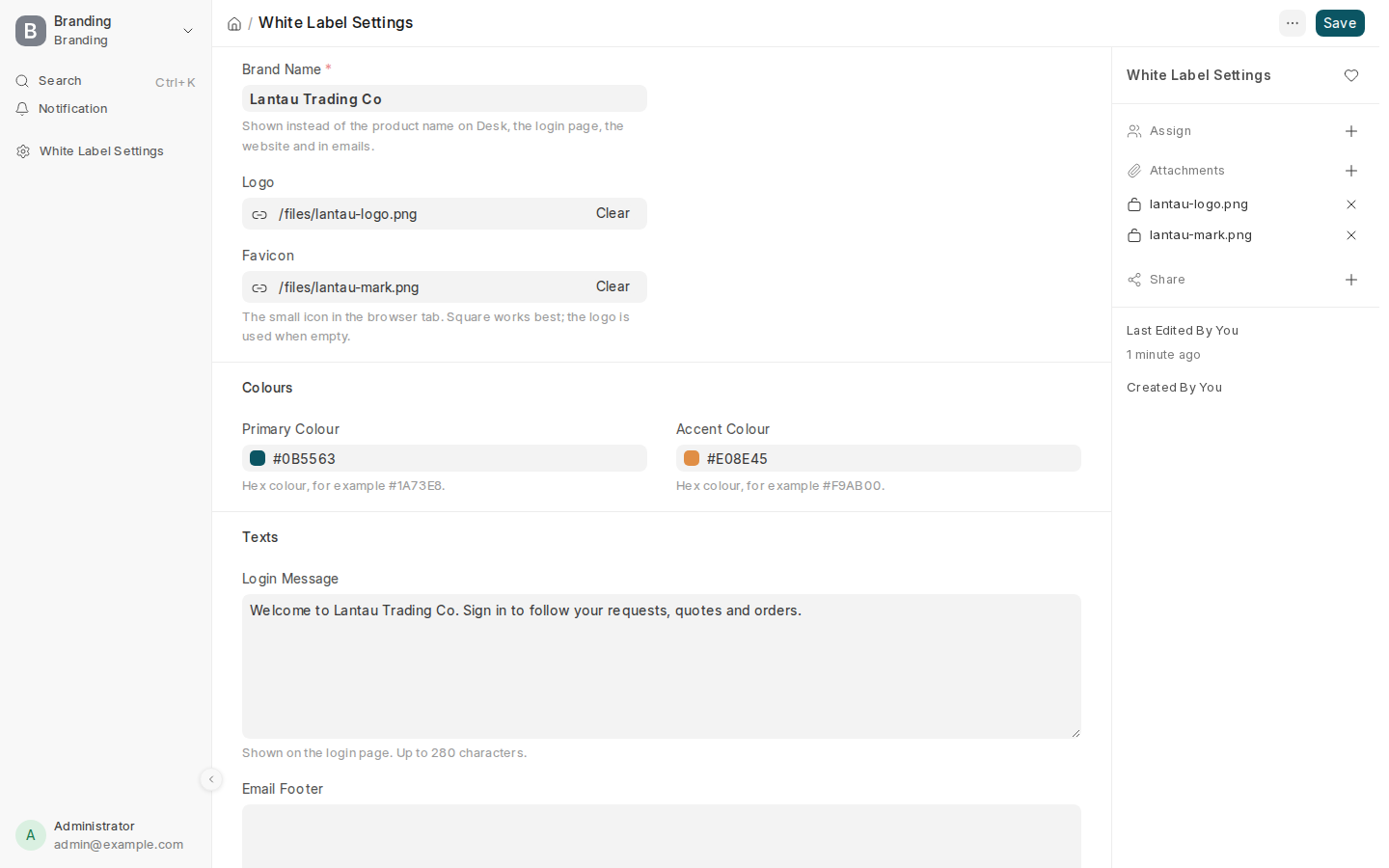
- Finish your brand so the login page and portal show your name and logo.
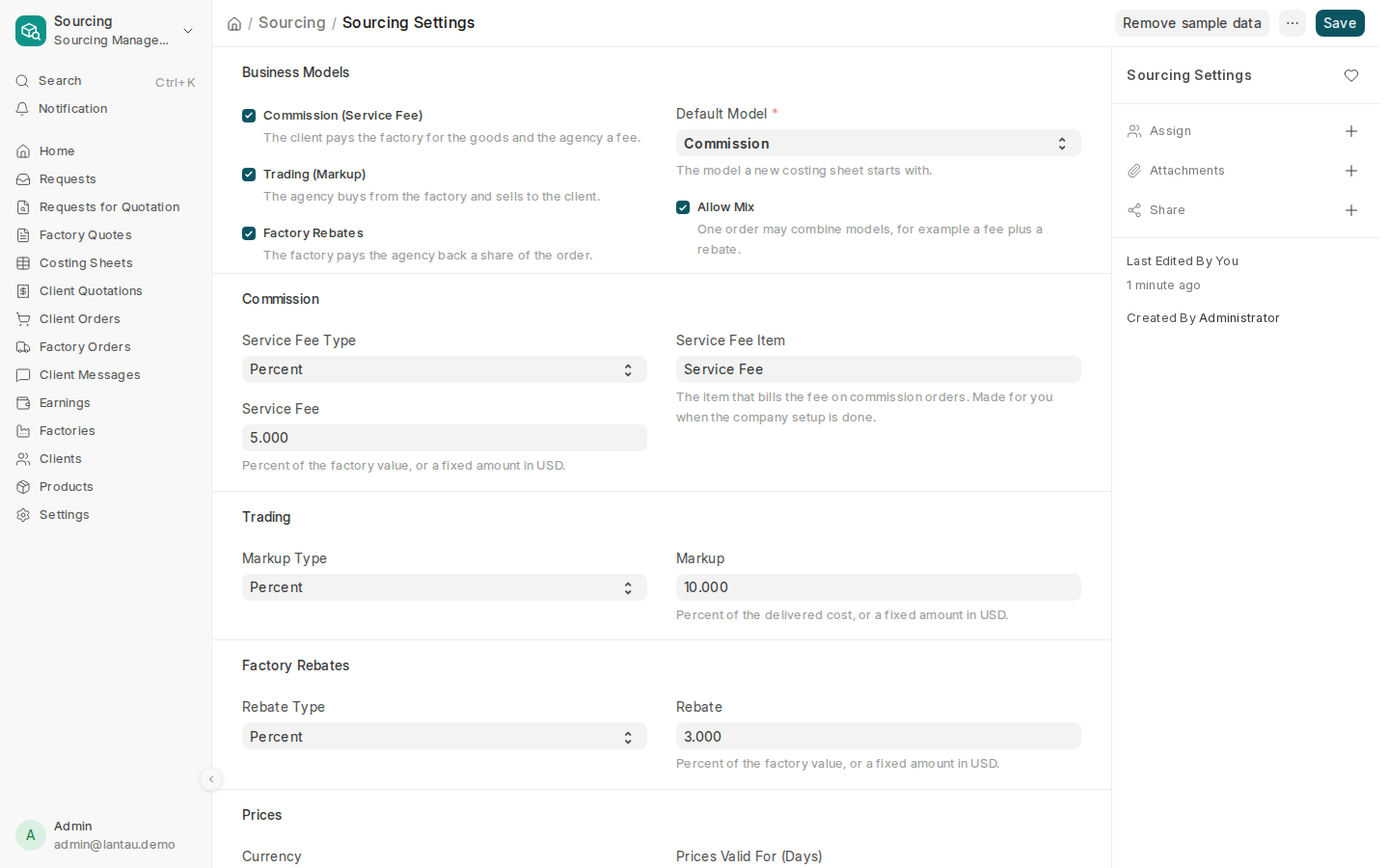
- Check how you earn so a costing sheet can show a real client price in the demo.
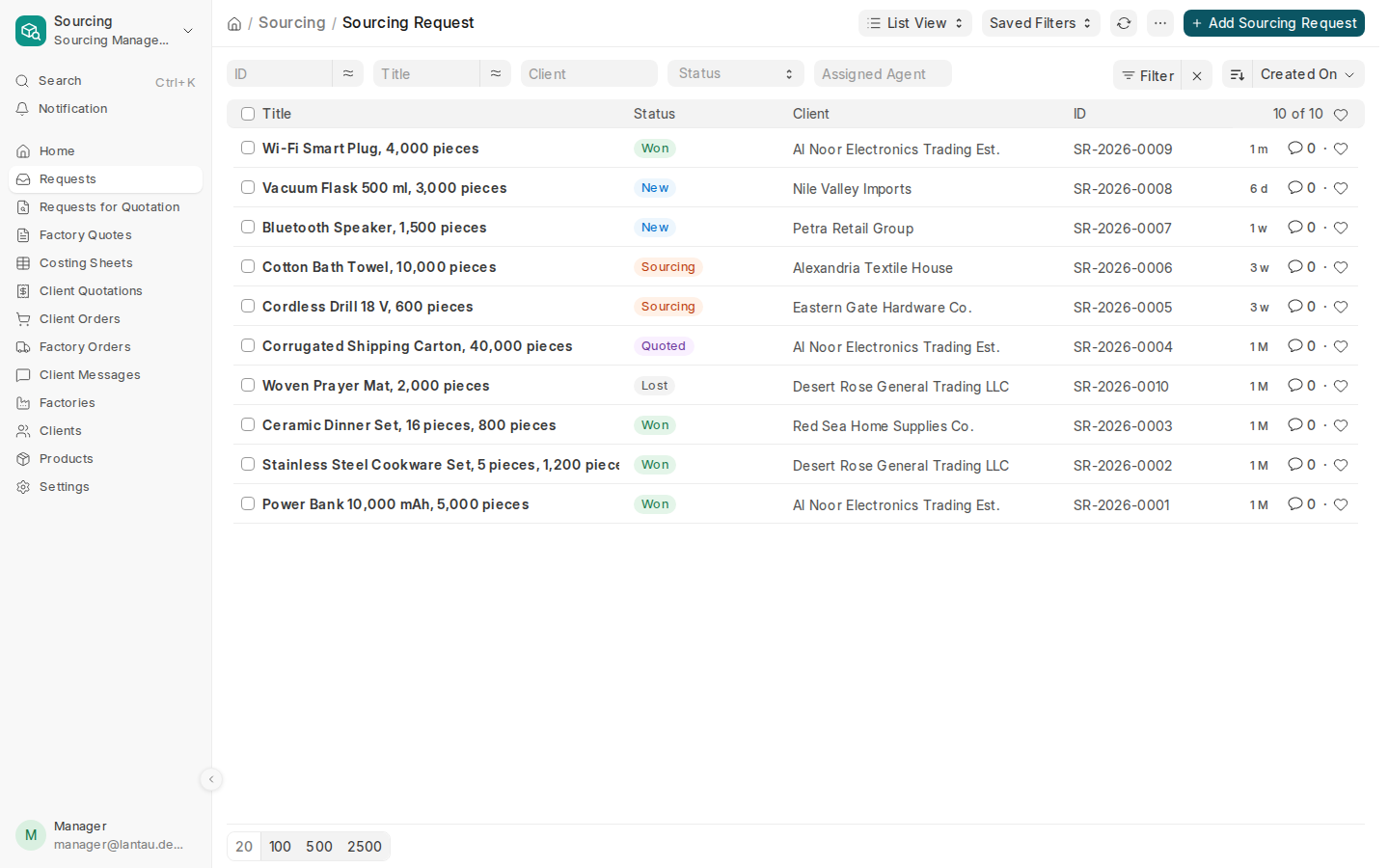
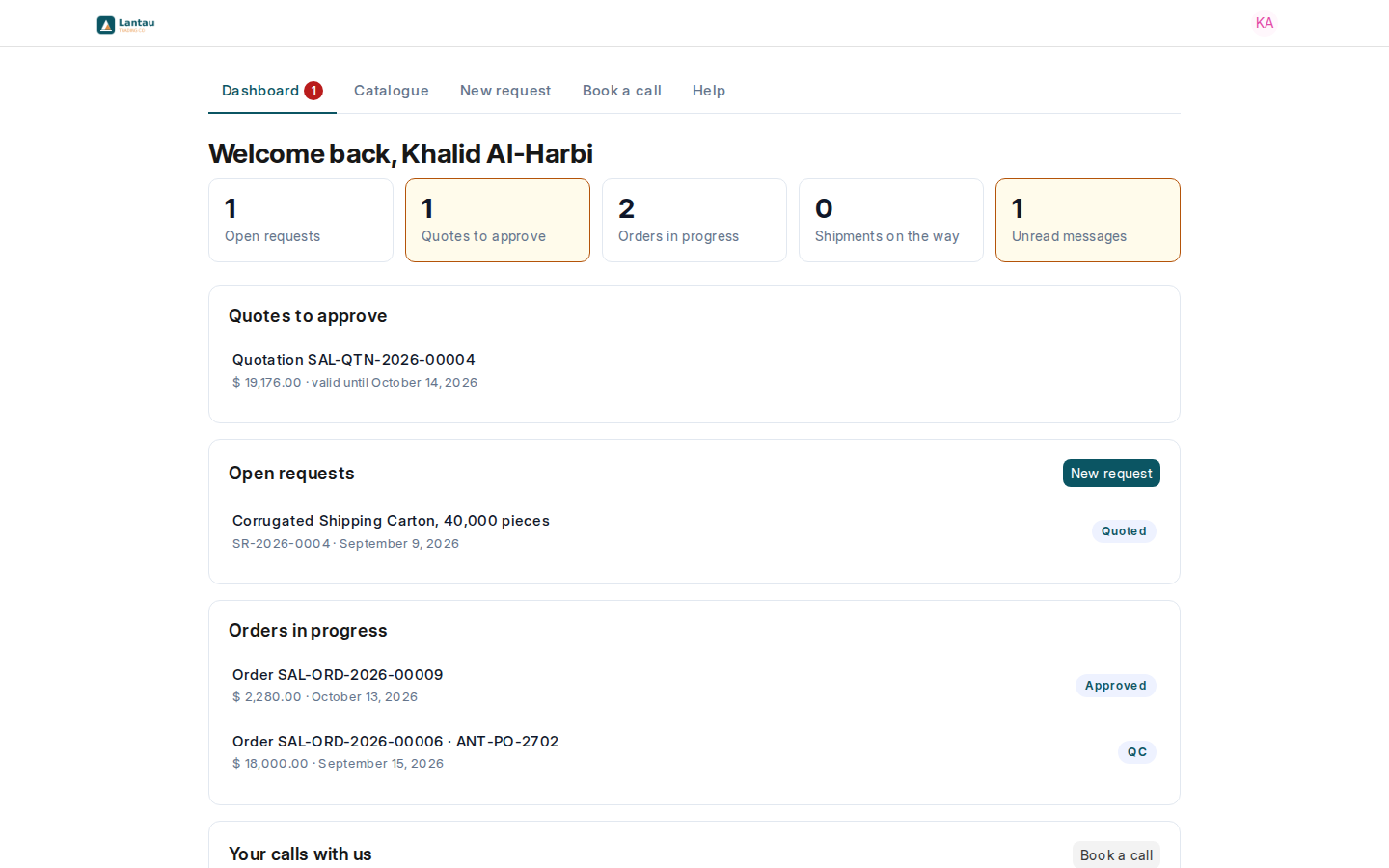
- Practise a 15-minute loop on sample data: open Requests, show one deal, open quote comparison, then sign in as the client and approve on the portal. See How a deal moves and What clients see.
- Invite the buyer’s portal users. Send your site address on WeChat the same day.
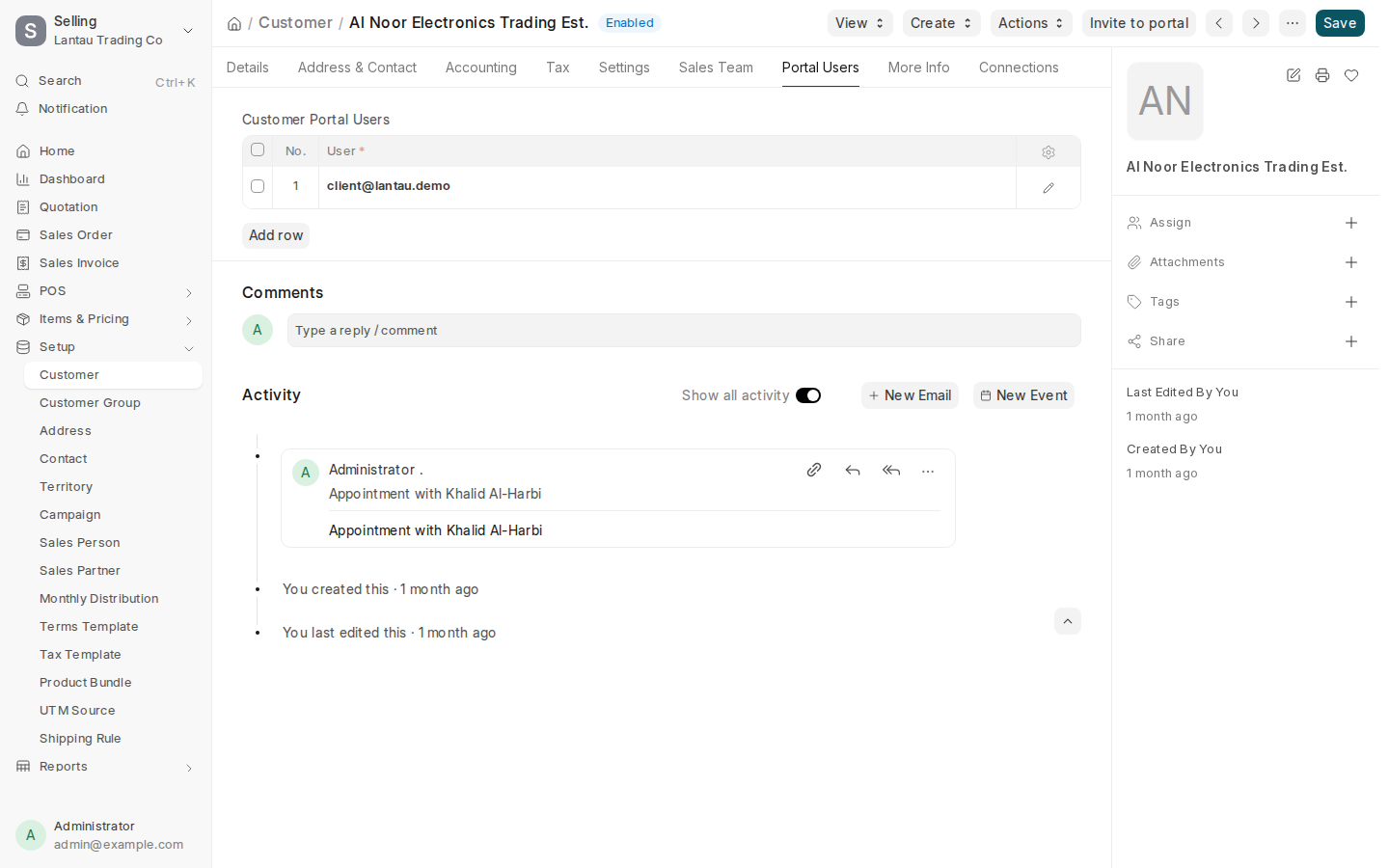
- After the first real order, ask for one introduction. Invite the new buyer’s user the same way.
| Channel | Message | Proof on screen |
|---|---|---|
| ”Send the RFQ on our portal; approve on your phone” | New request + Approve | |
| Meeting | Live 15-minute loop | Requests list + portal |
| After delivery | ”Who else should we invite?” | Order on the portal |
Common mistakes
- Pitching PHOENIX or ERPNext by name. Buyers should only hear your agency name.
- Promising QC photos or shipment tracking on the portal before they exist (2027).
- Sharing one portal password across a company. You then cannot see who approved.
- Showing factory names or factory prices to the buyer. Keep those on the desk only.
Tips
- Keep one “demo request” you can open in under ten seconds for every sales call.
- On a phone, open the portal first: that is what the buyer will use.
- More detail and a pitch checklist: How to market your agency.
Related pages
-
Add your logo and colours
Put your brand name, logo and colours on the sign-in page, the client portal, your website and your emails.
-
Set how you earn
Turn on your business models (commission, trading, factory rebates) and set your default rates and currency.
-
Invite a client to the portal
Send a client's buyer an invitation; they choose a password and land on their own portal.
-
What your clients see
The portal's dashboard, catalogue, requests, quotations and orders, and what never appears on it.
-
How a deal moves
The steps of a sourcing deal, from the client's request to your earnings, and where each one happens.
